01 · HOME
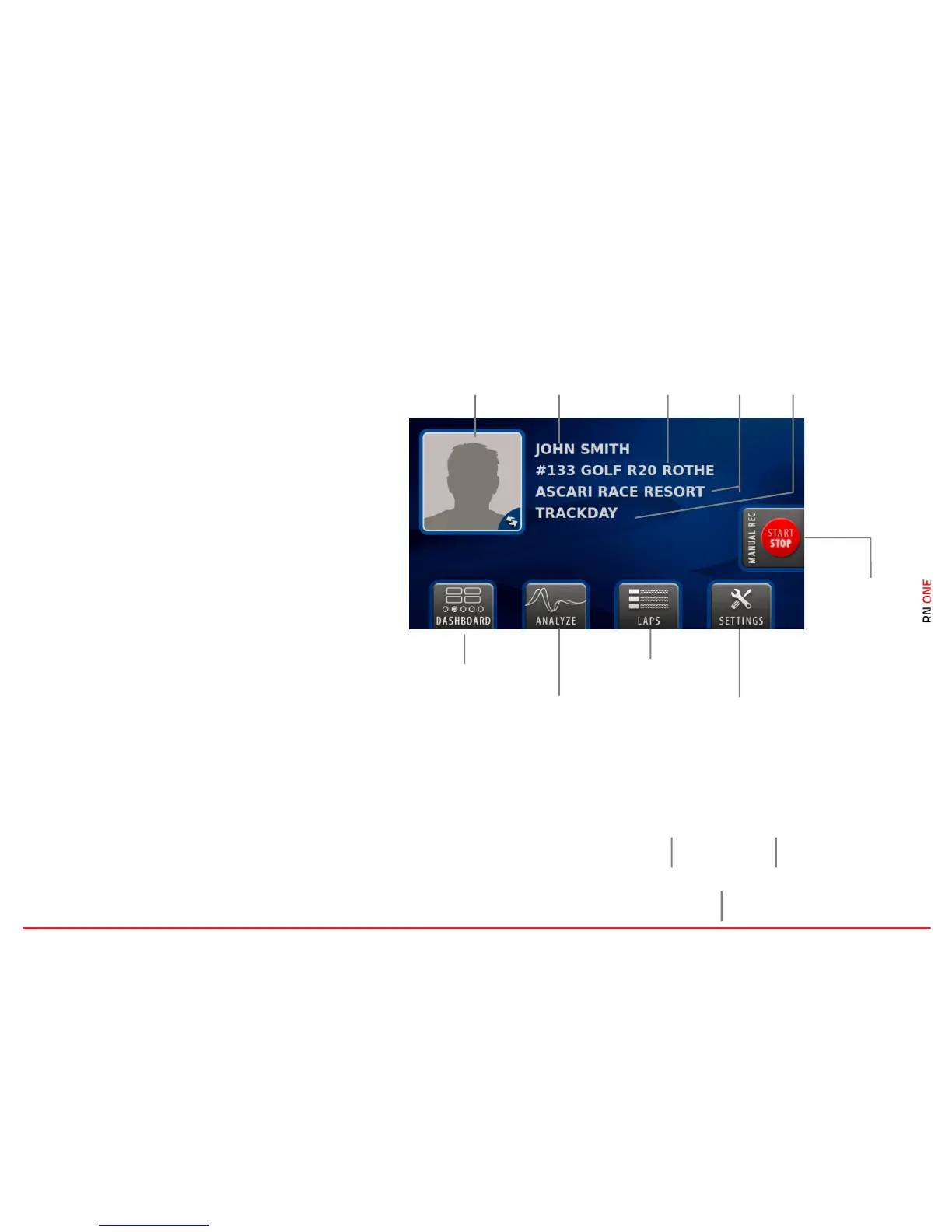
This page is the main page of the RN ONE and is
displayed when the system starts.
This view can be opened from any location by
clicking the Device home button under the screen.
Dashboard
Press this button to open the Dashboard.
Laps Analysis (Analyze)
Analyze your laps directly on the RN ONE device.
Laps History (Laps)!
All recorded laps can be found here.
Settings
Here you can specify all the settings of the RN
ONE, e.g. drivers, tracks, network, etc.
Driver Selection
The currently selected driver is displayed here. The
driver can be changed by clicking on the item and
choosing the desired person from the list.



 To Next Page