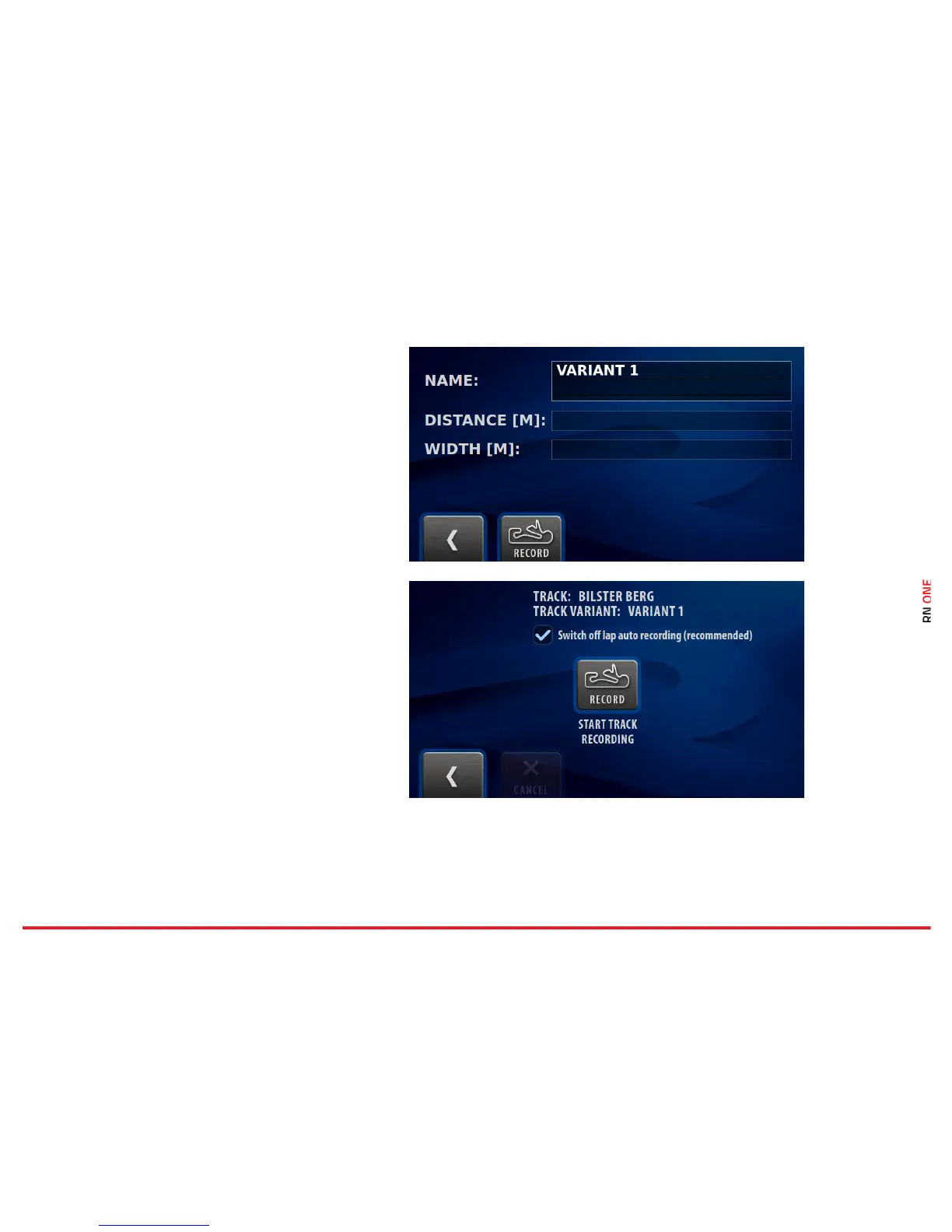
If you want to add a new track, you need to record
the entire route.
In the first step, enter the track name and press
the Record button.
Place the car exactly on the start line, press Start
Track Recording and drive.
The RN ONE automatically records the new track.
When you cross the finish line again, the RN ONE
stops recording and the new track is stored.
NOTE: Make sure that the GPS signal is strong
enough. We recommend using an external GPS
antenna.



 To Next Page