15.5.2 · RN Reset · Factory
Settings
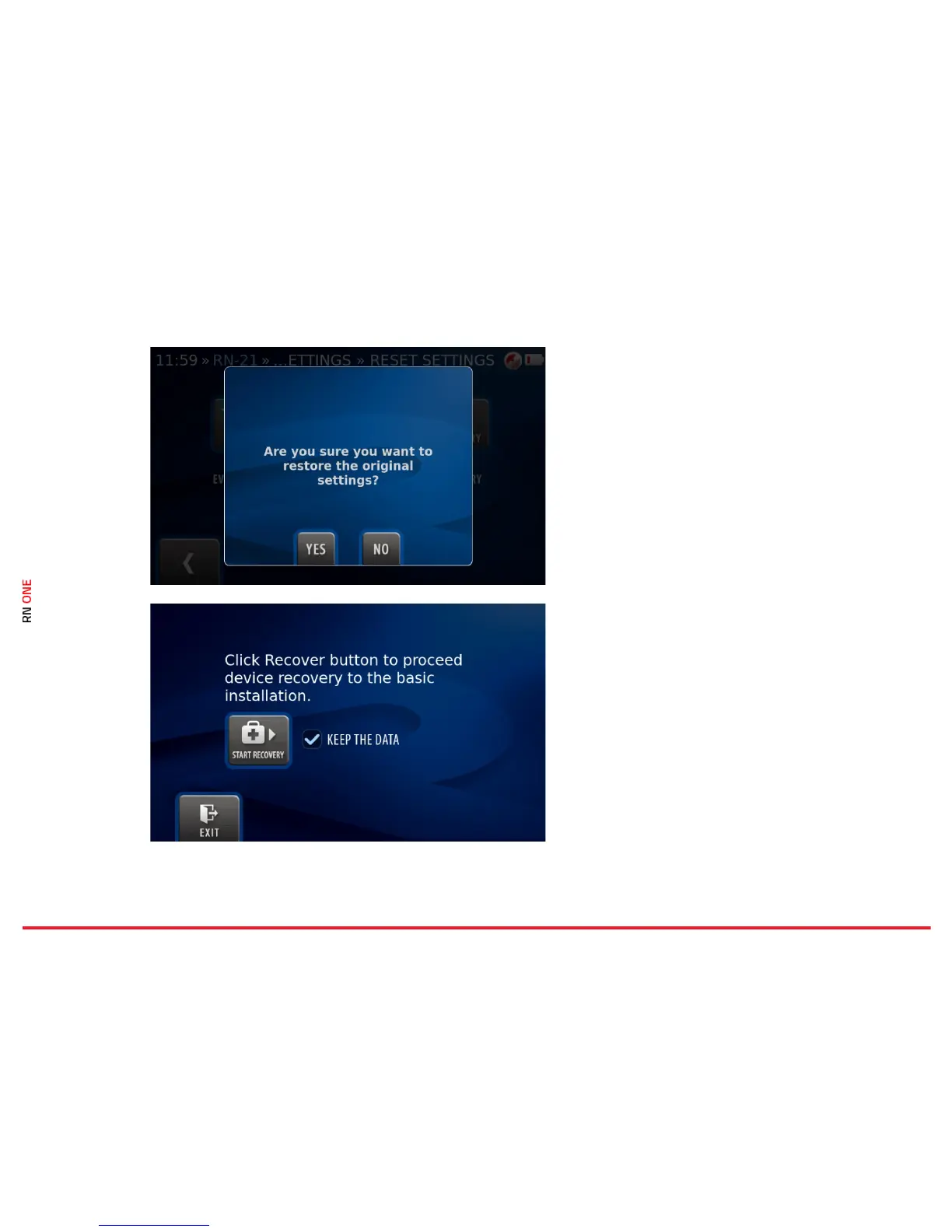
Press the RN Factory button to restore the
device’s software to its original settings.
In the next dialog, click YES to confirm or NO to
abort the operation.
The operation cannot be undone.
15.5.3 · RN Reset · RN Recovery
Press the RN Recovery button to proceed device
recovery to the basic installation. Confirm the
operation by clicking on the Start Recovery
button. You can keep the data.



 To Next Page