C
3 Installation
Step 2 of 7 - Removing the engine cover
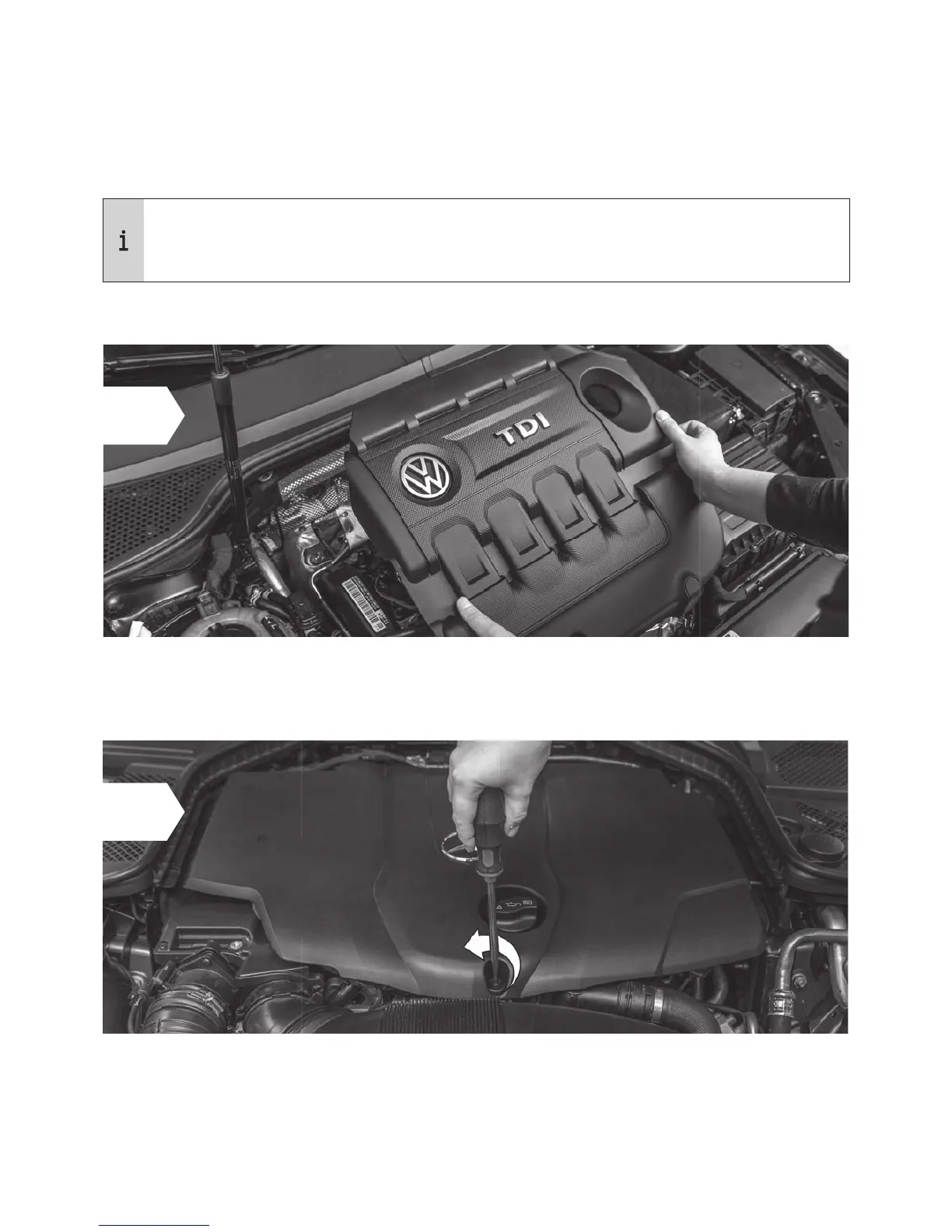
• Remove the engine cover and place it next to the car. You may have to jiggle the cover slightly
to release it from the holding clips.
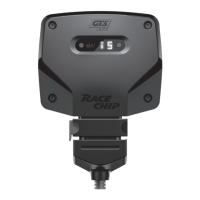
• In some vehicles it is necessary to loosen one or more screws before you can remove the
engine cover.
A
B
The engine cover is held in place by clips (A) or screws (B).
The pictures on the following pages are for demonstration purposes only – details may
be in your car’s engine bay. However, the installation process is identical.
• If there is no cover on your engine, you can proceed directly to step 3.


 To Next Page