30 31
Troubleshooting
I can’t connect to Wi-Fi.
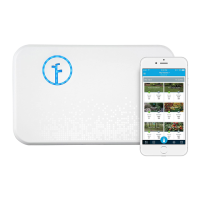
The controller must be setup via the Rachio mobile app
for initial activation.
Disable cellular data in your phone’s settings; if in
doubt, put your phone into Airplane Mode and turn on
the Wi-Fi manually.
If the controller fails to connect, note the light code
displayed on the controller. To troubleshoot light codes,
please reference page 32 and/or visit
www.rachio.com/light-codes.


 To Next Page