06
RF886
Press and hold
for 2 seconds
Press and hold
for 2 seconds
a
a
b
b
c
Pause/Resume
Previous/Next Music
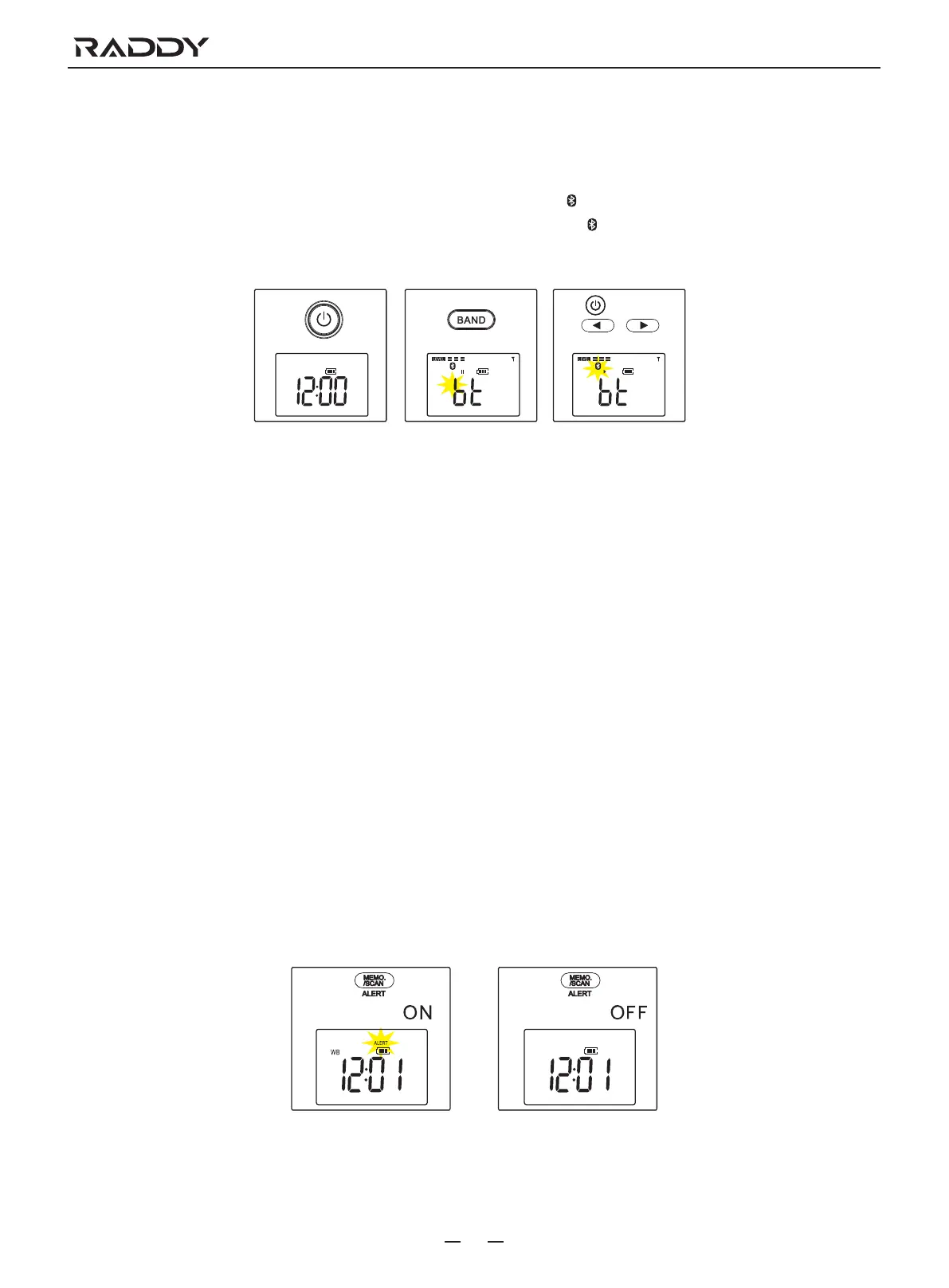
BT (Bluetooth) Operation
Bluetooth name is: RF886.
a. Press the button 15 to turn on the radio.
b. Press the button 5 continuously to choose BT (Bluetooth) mode, the Bluetooth icon will be displayed and flash on the monitor 1.
Indicates that a connection is pending. After a successful connection, the Bluetooth icon will always be displayed on the monitor 1.
c. Press the button 15 to pause or resume playback. Press the button 6 or button 7 to control the selection of the previous music or
the next music.
WB (Weather Band) Operation
Press the button 5 continuously to choose WB (Weather Band). Then press the button 6 or button 7 to choose one of the 7 NOAA
weather stations.
1-162.400MHz
3-162.450MHz
5-162.500MHz
7-162.550MHz
2-162.425MHz
4-162.475MHz
6-162.525MHz
NOAA Weather Alert Function Operation
NOAA Alert allows you to set the radios to a standby mode in which the radio will turn on automatically if it picks up an emergency
alert signal from your local NOAA station. How to set up:
a. With the power off, press and hold the button 3 for 2 seconds until the auto NOAA weather alert icon displays and flashes on the
monitor 1.
b. Press and hold the button 3 for 2 seconds to exit the NOAA alert function.
Cautions: After activating the NOAA Alert function, all buttons are locked. It is necessary to long press the button 3 to turn off the
NOAA alert function before the key control can be restored.



 To Next Page