73
EN
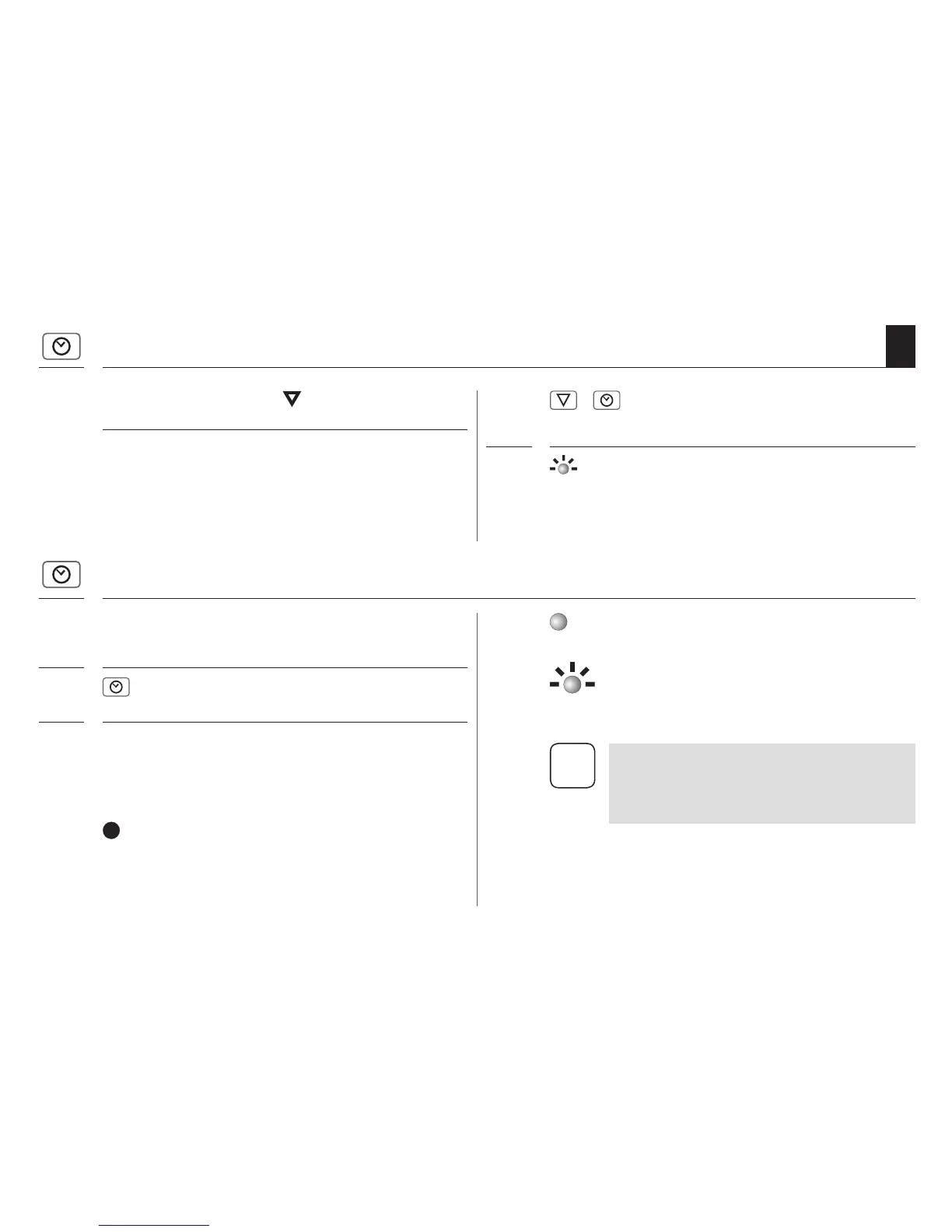
Configure a closing time ( t )
(e.g. at 20:30 hours)
1. +
Simultaneously briefly press the
buttons.
2. The indicator light flashes and the roller
shutter travels downwards. The automatic
timer is now activated.
Your roller shutters will close automati-
cally every day at 20:30.
15.2 Switching the automatic timer on / off
If required, the automatic timer can be switched on or
off at any time.
1. Press and hold the timer button for
approx. 1 second.
2. Pay attention to the indicator light.
The indicator light flashes briefly to confirm that the
timer button has been pressed. The status of the auto-
matic timer will then be displayed.
ON (10 seconds)
Automatic timer ON
Flashing
After power failure, if at least one switch-
ing time was previously been configured.
OFF
Automatic timer OFF
The previously configured switching
times are stored.
15.1 Configuring an opening and closing time
i
In the event of power failure, the switching
times will be extended by the duration of
the power failure, and therefore may require
reconfiguration.


 To Next Page