4. POI Direction Type
4.1. DB Point : All-direction, Two-direction, Single-direction
4.2. User Point : Single-direction
5. POI alert operates only when GPS is connected.
=============================================================================
GPS Lockout
=============================================================================
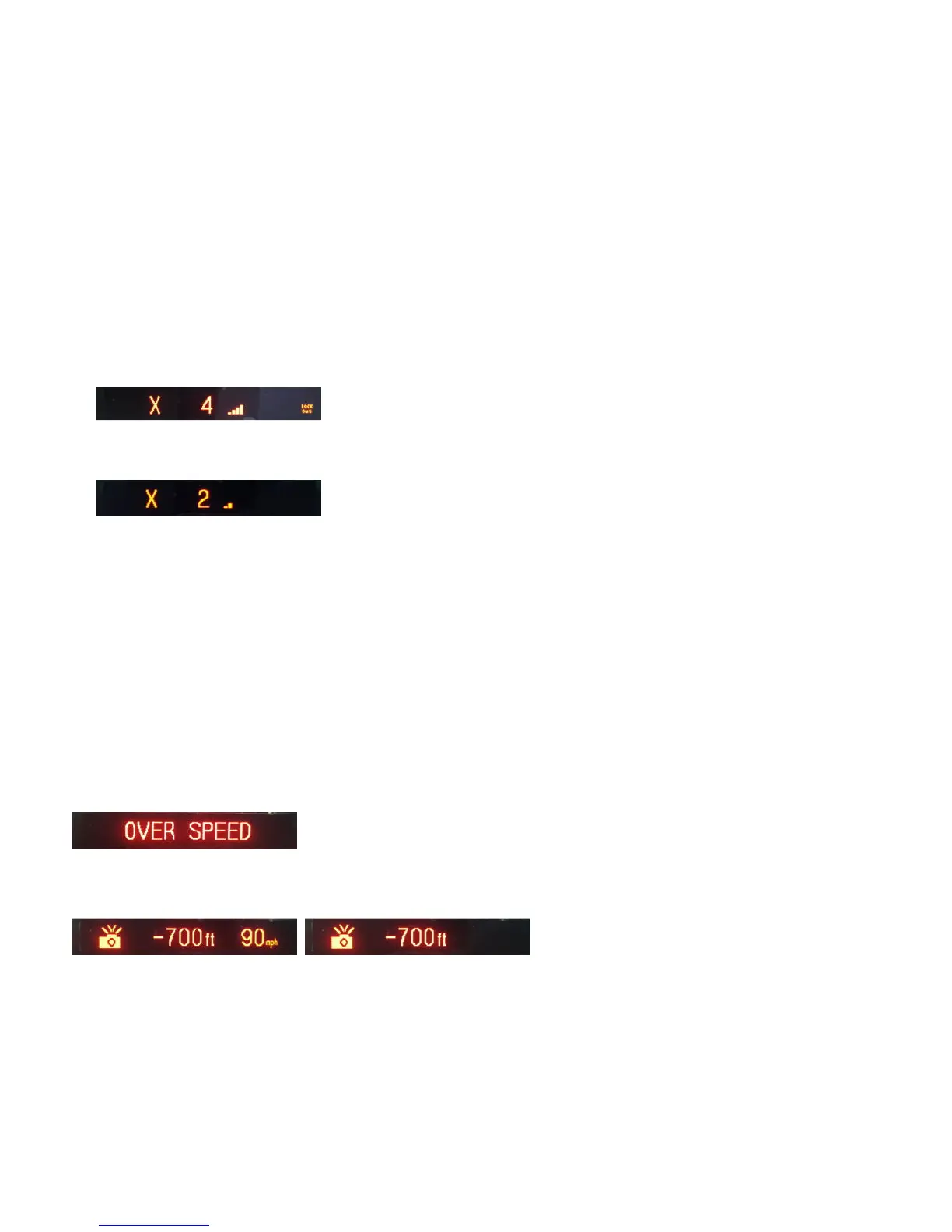
1. Mute audio alerts (Voice/Beep) for Radar within a 300m radius of the Lockout locations.
2. Lockout display
2.1. Enter Lockout location : “ Lockout” is shown in the lower right corner of the display.
2.2. Exit Lockout location : “Lockout” disappears.
3. POI alert operates only when GPS is connected.
4. Press and hold [MUTE] button for 2 seconds to store or delete Lockout location (up to 200 points)
5. Select “Lockout All Delete” in the Menu to delete all Lockout locations registered in the memory.
=============================================================================
POI Limit Speed Alarm
=============================================================================
1. POI Limit Speed Alert operates when driving speed is over the POI speed limit.
2. POI Limit Speed alert message displays with a voice (Voice on) or beep (voice off).
3. The current driving speed blinks as below with alert sounds until driving speed is under POI speed limit
=============================================================================
Auto City Mode
=============================================================================
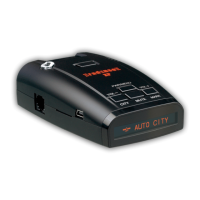
1. Select Auto City Mode in Driving mode.
2. Auto City Mode operates as below.


 To Next Page