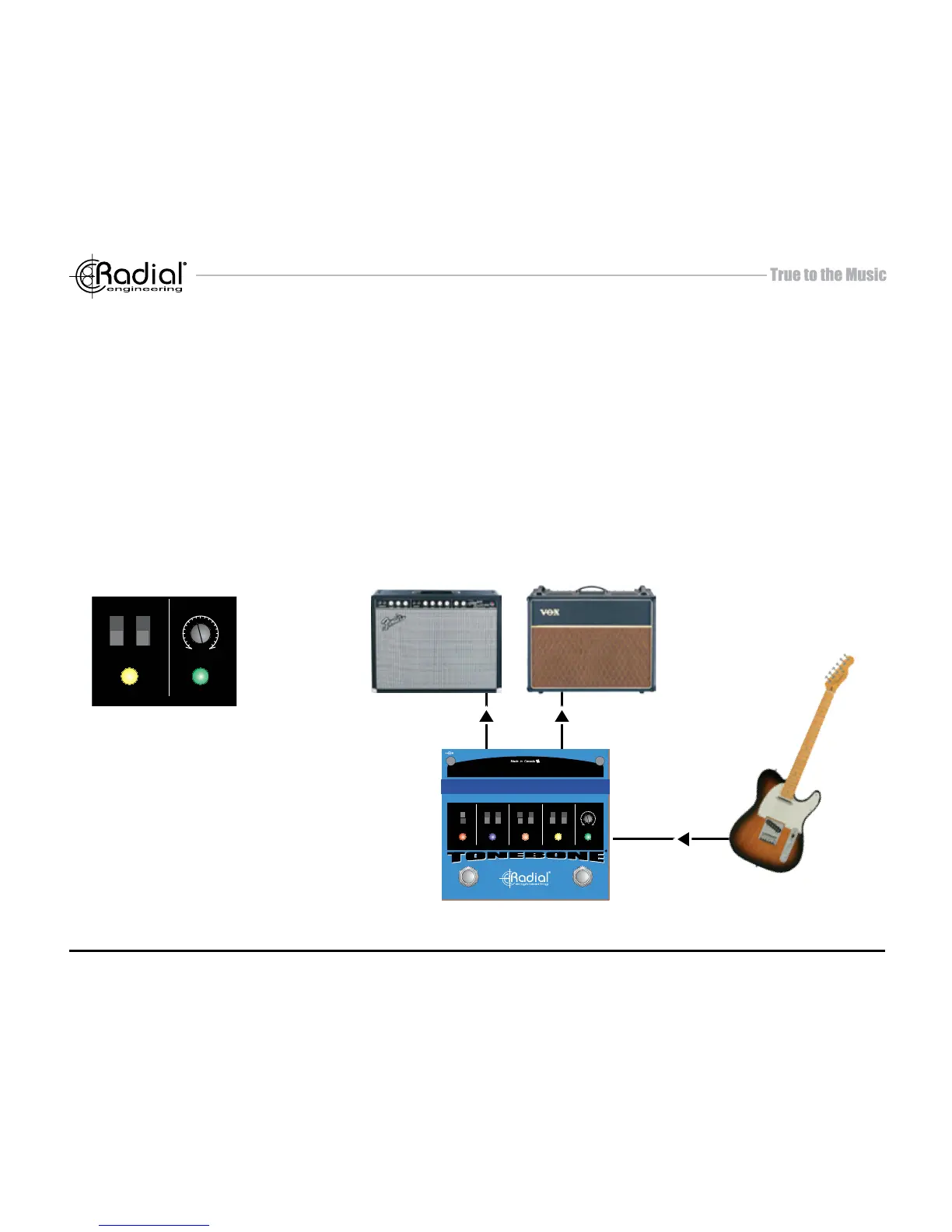
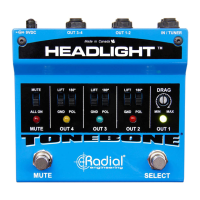
Plug your guitar into the Headlight INPUT using a standard ¼” coaxial guitar cable and connect your
rst amp to OUTPUT-1. Output-1 is the default amp and should always be connected as it provides
a safety ground path to the guitar. Slowly turn up the volume on your amp to a comfortable listening
level. Make sure all of the ground lift switches are in the down position. This allows the switching jacks
to perform properly. With only one amp connected, depressing the OUTPUT SELECT footswitch will
not change status. Add a second amp to OUTPUT-2 following the same process. Now, when you
depress the selector footswitch, it will toggle the output and associated LED indicator between amps
1 and 2. You can now repeat the process and add a third or fourth amp.
The Headlight will only
switch between the
outputs that have an amp
connected. If only OUT-1
is connected the SELECT
switch will have no effect.


 To Next Page