RD-30 Operations Manual
30
8.2RR-MobileSuiteStart-upScreen
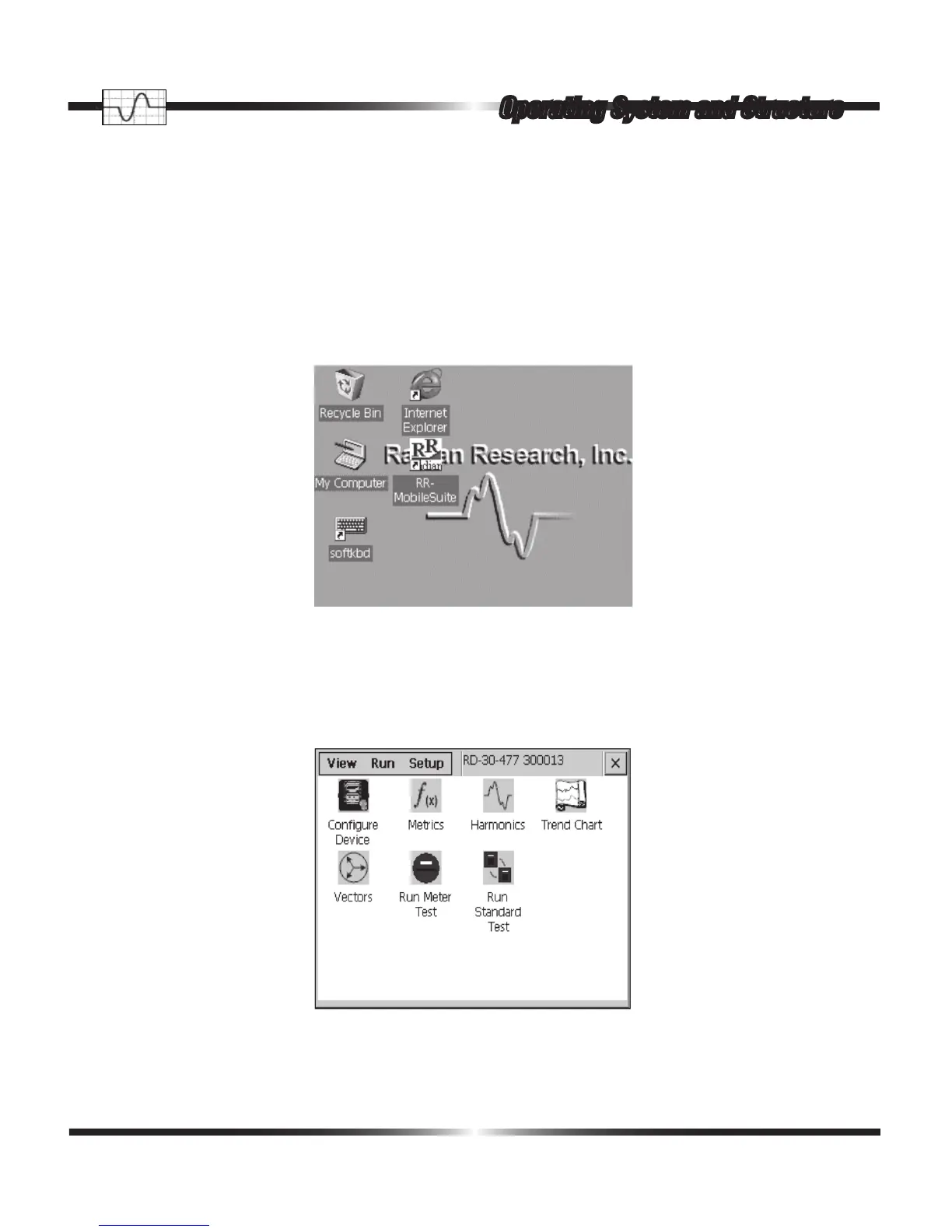
If you have closed the RR-MobileSuite software, double tapping on the RR-MobileSuite icon
launches the RR-MobileSuite custom measurement and test software. The RR-MobileSuite Icon is
located on the desktop as show in the following picture.
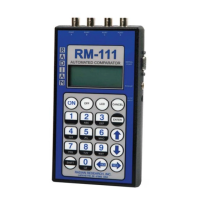
After double tapping on the RR-MobileSuite icon the RR-MobileSuite startup screen appears as
follows:
Operating System and Structure



 To Next Page