EasyManua.ls Logo

Radio Shack 6300769 - User Manual

Radio Shack 6300769
10 pages
Print Icon
To Next Page IconTo Next Page
Loading...
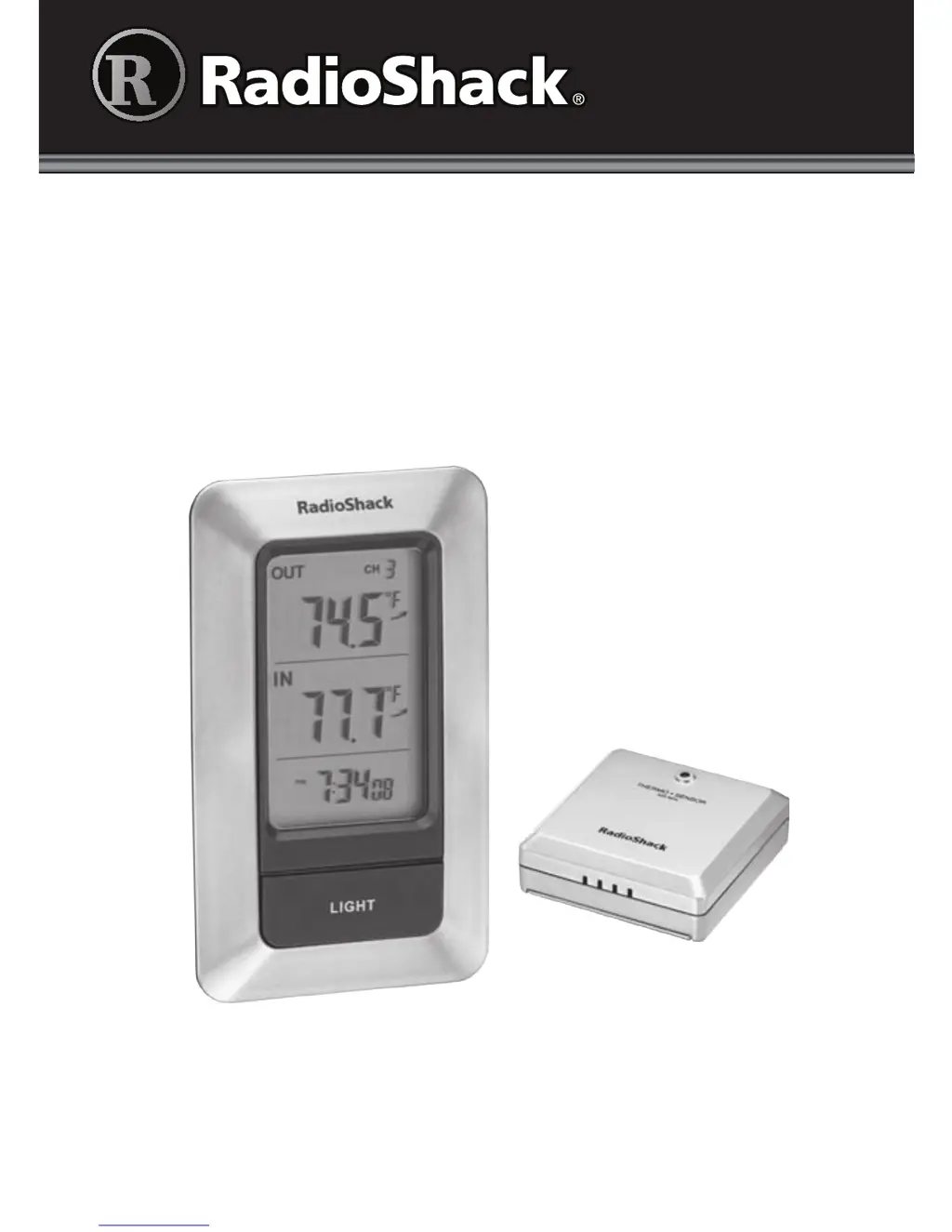
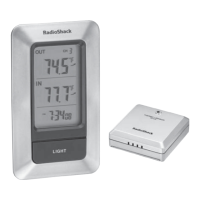
Thank you for purchasing your Wireless Thermometer from
RadioShack. Please read this user’s guide before installing, setting up,
and using your new thermometer.
Indoor/Outdoor
Wireless Thermometer
User’s Guide 6300769

Questions and Answers

  • M
    michaelmarksJul 29, 2025
    What to do if Radio Shack 6300769 does not connect to the sensor?
    • A
      Amanda SmithJul 29, 2025
      If your Radio Shack Thermometer isn't connecting to the sensor, first, try pressing the TX button on the sensor, then press and hold the CHANNEL button on the thermometer. If that doesn't work, try moving the sensor or the thermometer to find a better connection. Also, extreme temperatures can affect the sensor's battery power. If this is the case, replace the batteries. The unit should work properly again when the weather is milder.

Summary

Package Contents

Features

Important Installation and Location Notes

Install Batteries

Battery Notes

Important information regarding battery usage, replacement, and disposal for optimal performance and safety.

Set the Thermometer and the Sensor

Use the Thermometer

Set the Clock

Hints and Tips

Care and Maintenance

Specifications

FCC Information

Limited Warranty

Radio Shack 6300769 Specifications

General IconGeneral
TypeDigital Thermometer
Indoor Temperature Range32°F to 122°F (0°C to 50°C)
Accuracy±2°F (±1°C)
Resolution0.1°F/°C
DisplayLCD
Auto Power OffNo
BatteryAAA Battery
Indoor/OutdoorIndoor/Outdoor

Related product manuals