EasyManua.ls Logo

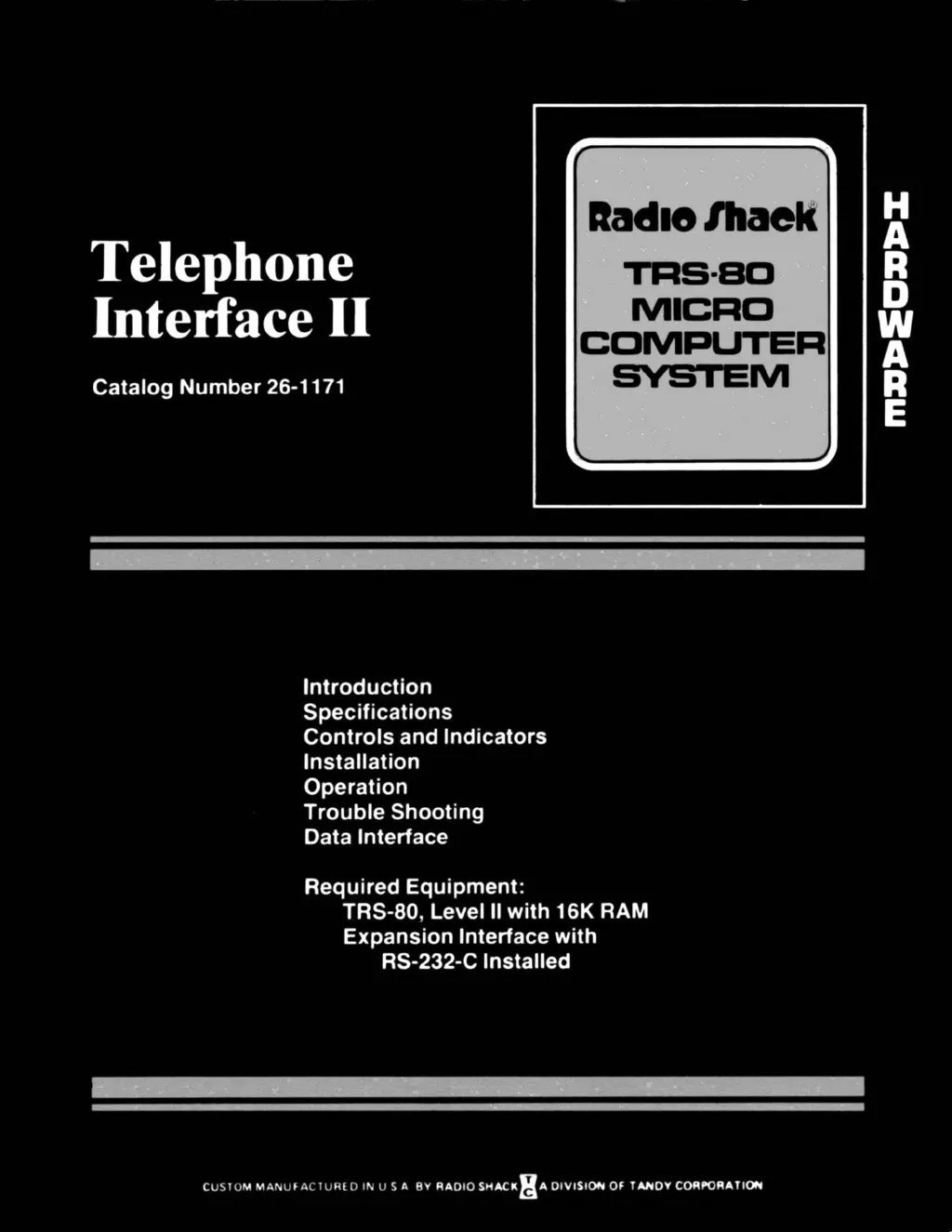
Radio Shack Telephone Interface II - User Manual

Radio Shack Telephone Interface II
14 pages
Print Icon
To Next Page IconTo Next Page
Loading...

Questions and Answers

  • K
    Katrina RobertsAug 11, 2025
    What to do if the picture is distorted on Radio Shack Telephone Interface II?
    • J
      Julie NavarroAug 12, 2025
      If your Radio Shack Desktop picture is distorted even after fine-tuning adjustments, and you lack a Spectrum Analyzer, consider replacing the modulator unit.
  • N
    nicholas23Aug 17, 2025
    Why clock does not appear at TP2 on Radio Shack Telephone Interface II?
    • K
      Kenneth RothAug 17, 2025
      If the clock does not appear at TP2 on your Radio Shack Desktop, it might be a modulator issue. Check the +5 volts at pin 11 and the 3.579 MHz clock at pin 1 of MC1372.
  • N
    Nichole HigginsAug 23, 2025
    What to do if Radio Shack Computer Hardware display is garbled?
    • B
      Brittany BuchananAug 23, 2025
      If your Radio Shack Computer Hardware display is garbled, ensure the telephone handset is firmly seated in the rubber cushions and that the baud rate is correct (both local and remote computer systems must send data at the same rate, 300 baud or less). Also, check if the received signal is too weak or noisy. If the remote modem is in answer mode, pick up the handset and listen for a clean tone. If you hear additional tones, dialing pulses, static noise, or voice sounds, the data may be garbled; try re-placing the call.
  • D
    Dr. Mark GrayAug 29, 2025
    How to fix READY LED if it is off on Radio Shack Computer Hardware?
    • M
      Morgan TaylorAug 30, 2025
      If the READY LED is off on your Radio Shack Computer Hardware, first ensure the power is on and the handset is properly positioned in the rubber cushions with the cord toward the RS-232-C cable end. Verify that the mode switches are set correctly. When communicating with a time-share computer, the modem must be in Originate mode. When communicating with another TRS-80, the mode selection must be agreed upon before data transmission, with one modem in Answer mode and the other in Originate mode. For data communication, the duplex switch must be in either Full or Half position (not TEST). Finally, check if the modem at the other end is compatible with the TELEPHONE INTERFACE II according to its specifications.
  • K
    Karen JohnsonSep 4, 2025
    Why does my Radio Shack Computer Hardware display double characters?
    • L
      lisalewisSep 4, 2025
      A double character display on your Radio Shack Computer Hardware might occur if the system is in half-duplex mode. If the remote computer echoes all characters, the TRS-80 system must be in full-duplex mode. If the communication system is half-duplex (no echo), either RS-232-C or TELEPHONE INTERFACE II (but not both) must be in half-duplex.

Radio Shack Telephone Interface II Specifications

General IconGeneral
BrandRadio Shack
ModelTelephone Interface II
CategoryDesktop
LanguageEnglish

Related product manuals