9
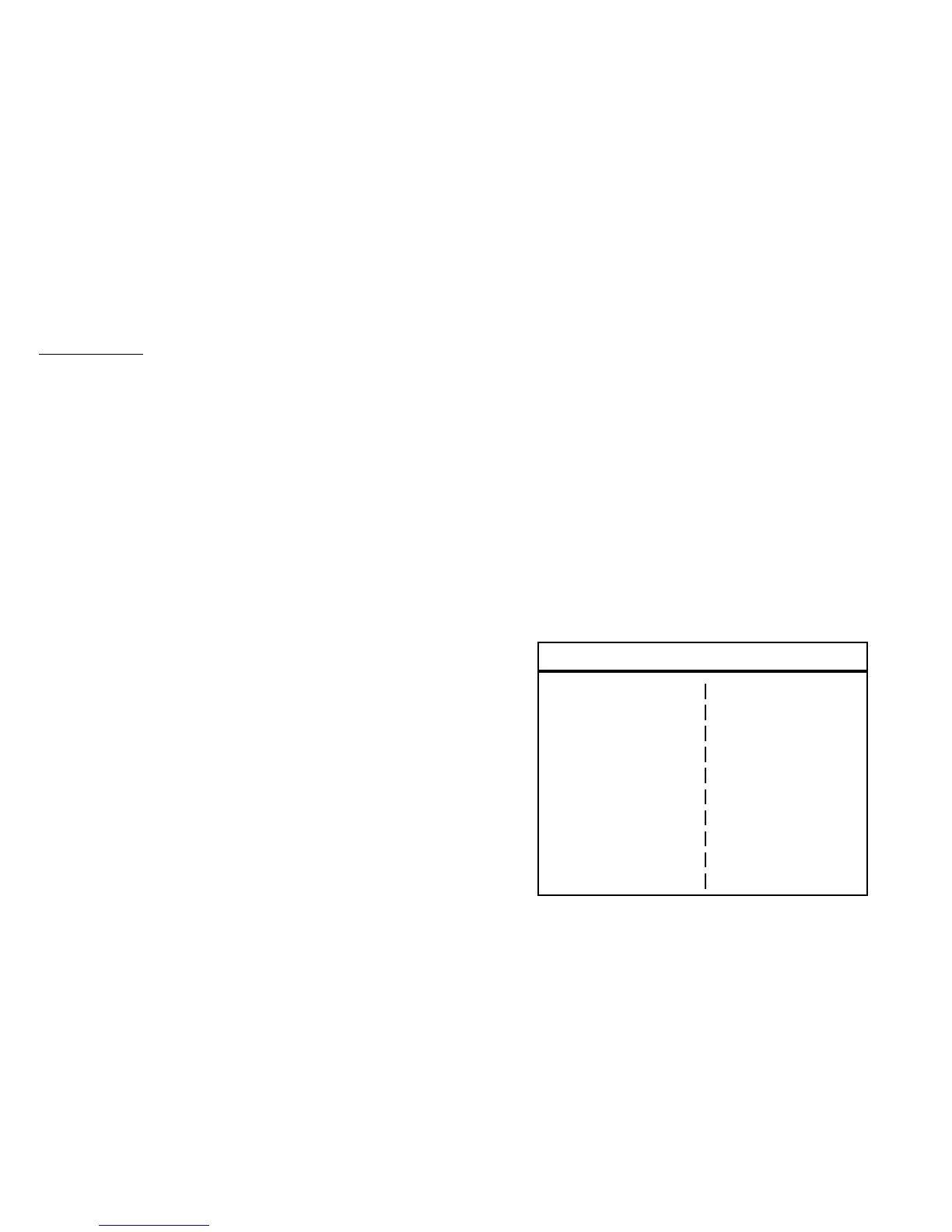
Pop-up menu
Store Use the icon keys to select an available storage
location and press the * key to store.
Recall Use the icon keys to select a storage location
and press the * to recall to display.
Pulse Use the two icon keys for decreasing and in-
creasing the pulse width.
Cable Use the two icon keys to select the cable type
under test. VOP will automatically be set for the cable
type selected.
VOP or V/2 (depending on the velocity format setting
chosen in the setup menu) Use the two icon keys for de-
creasing and increasing the velocity of propagation.
Filter Use the two icon keys for cycling through the
available software filters.
Setup Use the * key to display the setup options
menu.
Print Use the * key to print the on-screen waveform to
a serial printer for documentation.
Mode Use the two icon keys for cycling through the
available display modes for single, dual, or difference
waveform display modes.
Overlay Use the two icon keys to adjust the trace sepa-
ration in dual waveform display modes. This control is
only available when two waveforms are displayed.
Tagging Use the * and icon keys to edit the alpha
numeric label associated with a stored waveform.
Search Use the * key to perform an auto-search of the
cable to find major faults or the end of the cable.
Press
*
to select.
S t o r e P r i n t
R e c a l l M o d e
P u l s e O v e r l a y
C a b l e T a g g i n g
V O P S e a r c h
F i l t e r
S e t u p






 To Next Page