Using the menu
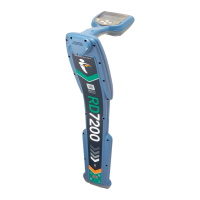
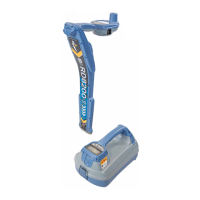
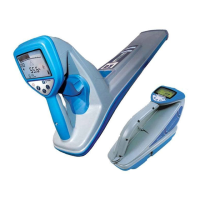
The RD7000 receiver and transmitter menus allow you to select or change system
options. Once entered, the menu is navigated using the arrow keys. Navigation is
consistent on both the transmitter and the receiver. When in the menu, most on-screen
icons will temporarily disappear and the menu options will appear in the bottom left-hand
corner of the LCD. Note that when browsing the receiver menu, the ƒ and Antenna keys
act as Left and Right arrows. When browsing the transmitter menu the ƒ and keys
act as Left and Right arrows. The Right arrow enters a submenu and the Left arrow
returns to the previous menu.
Note: When you select an option and press the Left arrow, the option will be enabled
automatically.
To navigate the receiver menu:
First power up the receiver.
Press the Power button to enter the menu.
Use the Up and Down arrows to scroll through the menu options.
Press the Right arrow to enter the option’s submenu.
Press the Left arrow to return to the previous level.
Press the Power Key to return to the main operation screen.
Receiver menu options
VOL: Adjusts the speaker volume from 0 (mute) to 3 (loudest).
UNIT: Choose metric or imperial units.
LANG: Selects your preferred system language.
POWER: Sets national power frequency: 50 or 60Hz.
FREQ: Enable or disable individual frequencies.
ALERT: Enable or disable StrikeAlert™.
BATT: Sets battery type. NiMH or ALK.
1.
2.
3.
4.
5.
6.
•
•
•
•
•
•
•


 To Next Page