DMD20/20LBST Universal Satellite Modem Web Browser Setup Guide
MN-DMD20-20LBST Revision 14 F–6
F.4 Equipment Website
Once you know that the modem is accessible through the internet, do these steps:
1. Start the internet browser.
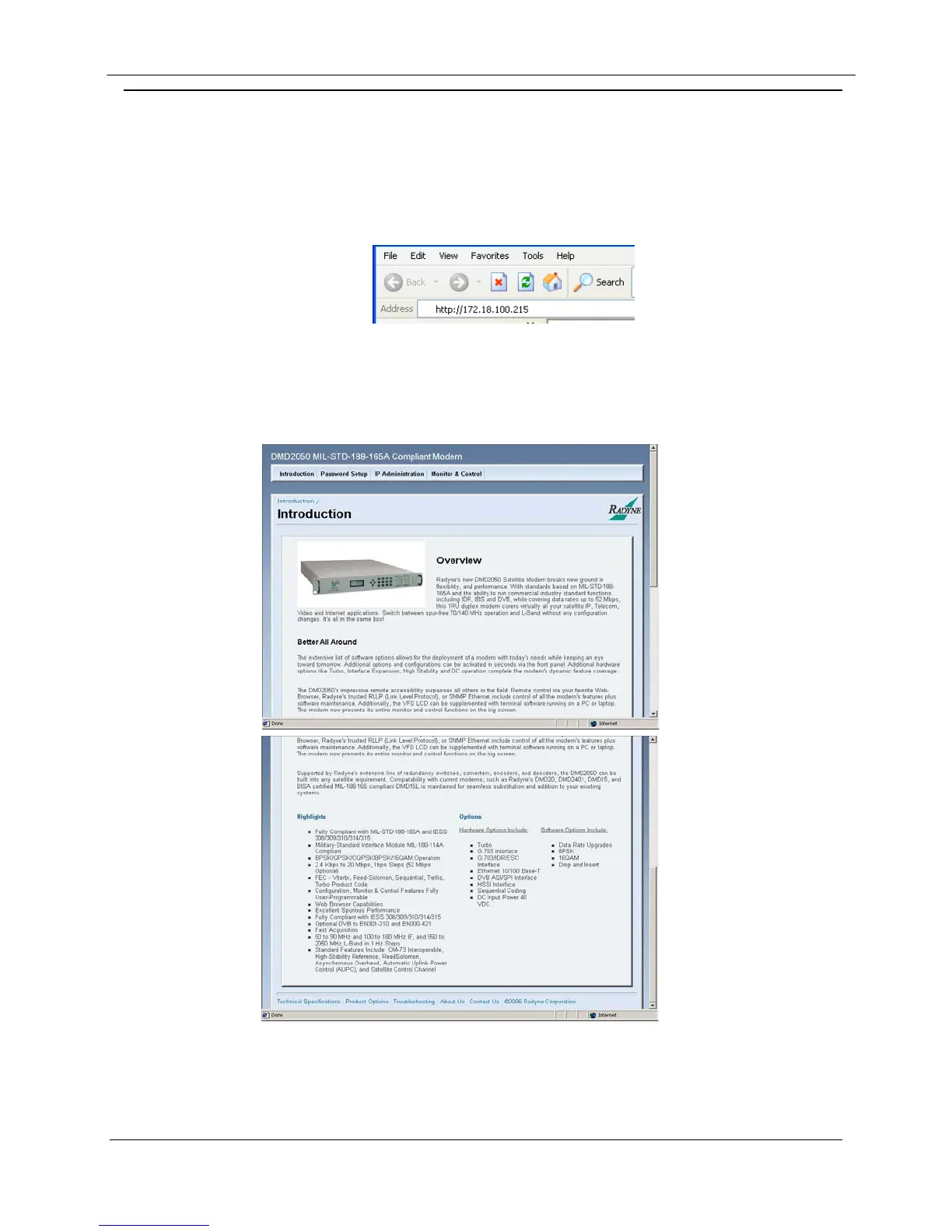
2. Type the modem’s IP address in the address field, and then press [
Enter].
The WEB browser equipment introduction page opens.
Figure F-1. WEB Browser Equipment Introduction Page


 To Next Page