EasyManua.ls Logo

Rain Bird WR2-48 - User Manual

Rain Bird WR2-48
24 pages
Print Icon
To Next Page IconTo Next Page
Loading...
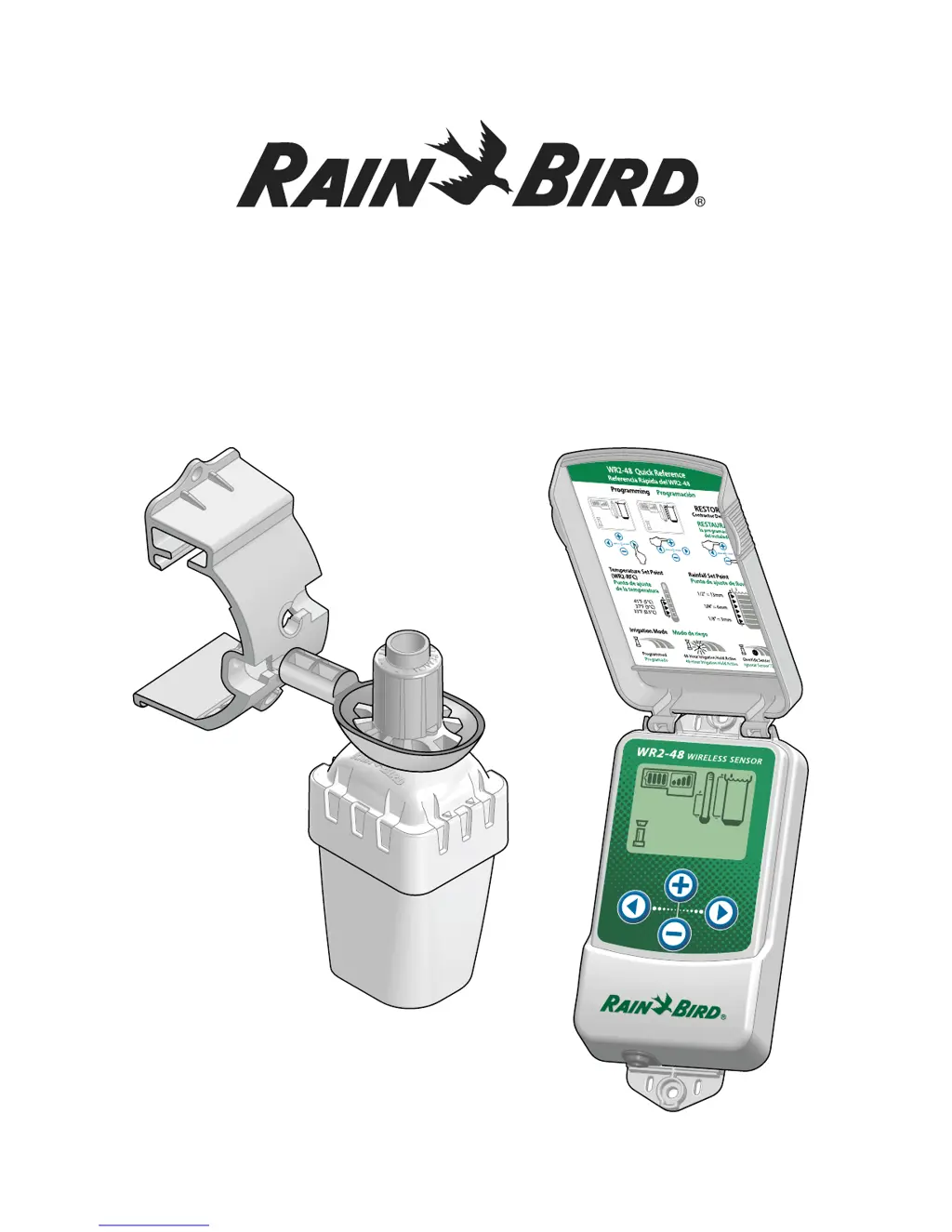
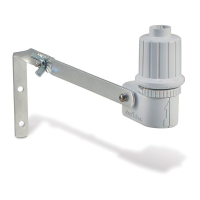
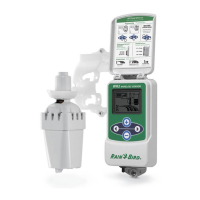
WR2-48 Wireless Sensor
User Manual
Manual del usuario

Table of Contents

Questions and Answers

  • B
    Brandy BriggsAug 2, 2025
    What to do if the Rain Bird Accessories sensor pairing is broken?
    • S
      Scott KimAug 3, 2025
      If the Rain Bird Accessories sensor pairing is broken, you should first check or replace the battery. If you've installed a new battery, the sensor will automatically reacquire the Controller Interface. If you are replacing a sensor that is paired to the Controller Interface, you will have to pair the new sensor to the Controller Interface.
  • B
    bridgestaylorAug 13, 2025
    How to replace the battery in Rain Bird Accessories?
    • G
      gabrielrobinsonAug 13, 2025
      To address a low battery issue with your Rain Bird Accessories, replace the battery. First, remove the battery cassette from the sensor, then remove the battery from the cassette. Insert a new battery, using the label on the battery cassette to properly orient the battery. Then, insert the battery cassette back into the sensor. The sensor LED should blink once, indicating it's powered up. Under normal operation, the battery should last for four or more years.
  • J
    Julie HoltAug 22, 2025
    What to do if Rain Bird Accessories has no sensor paired?
    • S
      Sheri ClayAug 22, 2025
      If your Rain Bird Accessories aren't pairing with the sensor, first pair the sensor. If pairing doesn't resolve the issue, then check or replace the battery.

Summary

Safety Information

Interference With Other Electronic Devices

Addresses potential electronic interference issues with the WR2 Wireless Sensor.

Mounting the Controller Interface

Wiring the Controller Interface to the Irrigation Controller

Controllers with sensor inputs

Wiring instructions for controllers with dedicated sensor inputs and pump start/master valve.

Controllers with no sensor inputs

Wiring instructions for controllers lacking sensor inputs but with pump start/master valve.

Irrigation Modes

Synchronize the Sensor and Controller Interface

Programming the Set Points

Programming Irrigation Modes

Saving, Resetting and Restoring Settings

Select the Sensor Location

Sensor Mounting Instructions

Using Multiple Controller Interface Units

WR2 Wireless Sensor Alerts & Troubleshooting

Initial Power Up Failure

Addresses issues where the controller interface screen remains blank upon initial power-up.

No Sensor Paired

Covers scenarios where the sensor fails to pair or communicate with the controller interface.

Sensor Pairing Broken

Deals with situations where a previously paired sensor loses communication or fails to report status.

Low Battery Alert

Alerts users when the sensor's battery is low and requires replacement.

Rain Bird WR2-48 Specifications

General IconGeneral
BrandRain Bird
ModelWR2-48
CategoryAccessories
LanguageEnglish

Related product manuals