Pro Max User’s Manual Rain Master Irrigation Systems
4.8 Program Function
The Program feature is designed to be used only with the following Rain Master products:
• RME Sentar
• RME Hawk
• RME Eagle
• Evolution DX2 Controllers
The Program feature allows any program currently in the controller to be turned either on or off.
This allows special programs to be executed for testing, evaluation, and supplemental irrigation
cycles.
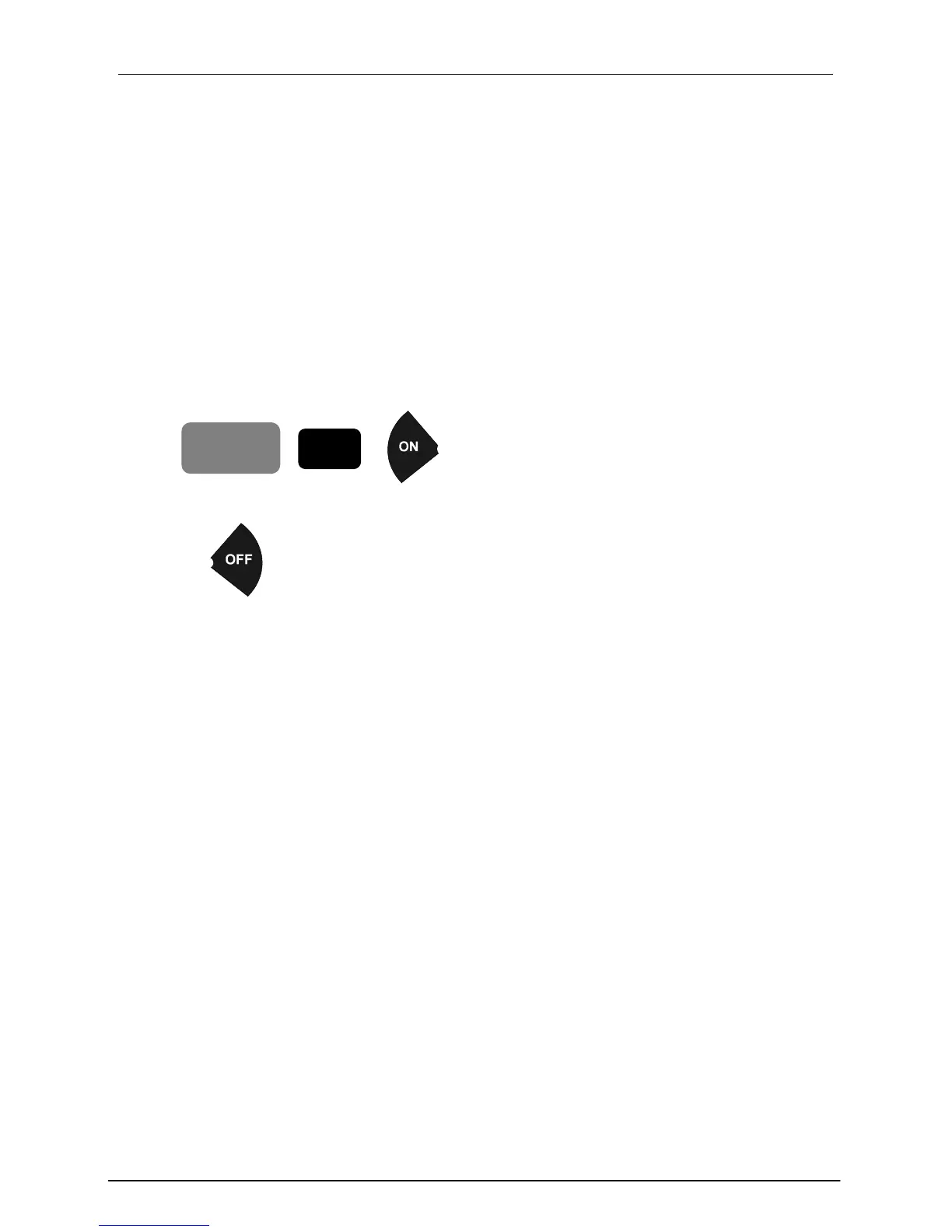
Example: To start Program 4,
PROGRAM
4
Press:
To turn Program 4 off,
Press:
Once started, the program will run to completion whether or not the Pro Max receiver remains
connected, whether the Access Code is turned off, or whether 60 minutes have elapsed.
4.8.1 Program – Off Key
Pressing the OFF key while the program is running will turn the program off and the controller
returns to the Automatic Mode of the operation.
Similarly, when the program is completed, the controller returns to the Automatic Mode of
operation.
4.8.2 Program – Auto up Key
Pressing the AUTO UP key while the program is running will advance the program to the next
station. If the last station in the program is running, the program will terminate.
4.8.3 Program - Sensor Switches
The position of the Rain Switch will not affect the running of the program. The program will still
run if the Rain Switch is in the “NO WATERING” position.
Programs configured under the control of sensors will continue to operate as configured. When a
sensor detects sufficient watering, the program will shut off watering.
Page 26


 To Next Page