Installers Only Section
Programming the electronic time clock
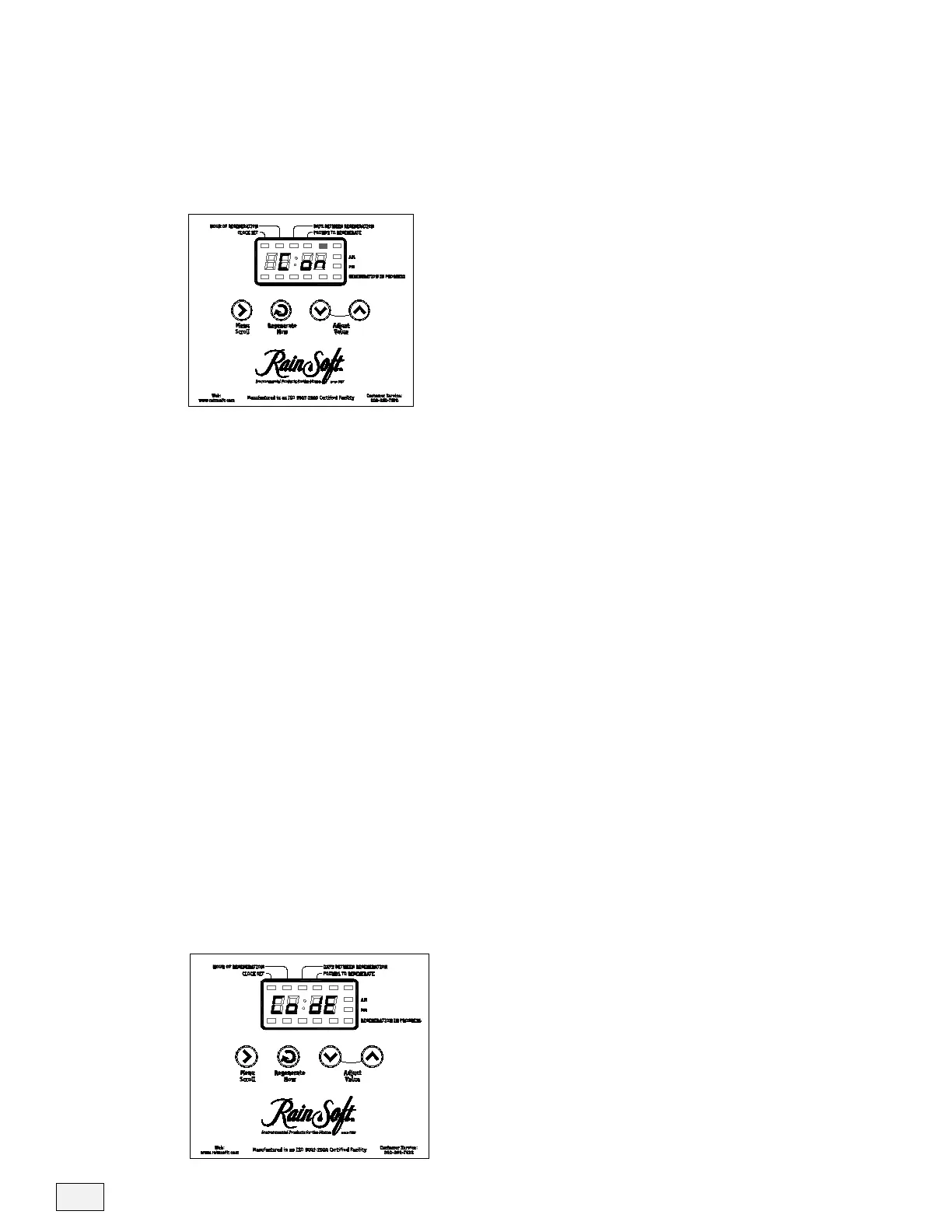
Plug the system in, the control automatically displays the installation
mode. The control will display C on for conditioner.
Press the Menu Scroll button once to advance to unit type. Note: the
model and resin type are displayed on the side of the control box.
• The default setting is 75. Use the up or down buttons to advance the
model type. The model range is 30, 50, 60, 75, 100, 150, 250 and 400.
• Press the Menu Scroll button again to advance to the resin setting, the
range is 34, 100 and 2000. When referring to resin type the model ID
will display the resin as D, T, V, CD, CT, CV; all D models = 34, all
T models = 100 and all V = 2000.
• Once this is done press the Menu Scroll button 4 times to advance past
the backwash time, Brine and rinse time and fast rinse. The display will
rapidly flash, save changes and return to the home screen.
• You do not need to adjust the backwash, brine and rinse or fast
rinse setting from the factory settings. The factory backwash setting is
5 minutes and the fast rinse is 1-7 minutes based on model size. The
Brine and Rinse setting will also adjust based on model size. Only adjust
these values on applications that require special programming. The refill
time will automatically adjust when you set the pounds to regenerate
from the home screen.
After the control is programmed you may access the installation mode
by pressing the up button for 5 seconds and the word CODE will
display, the code is pressing the Up arrow twice.
14



 To Next Page