2222
INTRODUCTION
22
SELECT THE OPERATING MODE
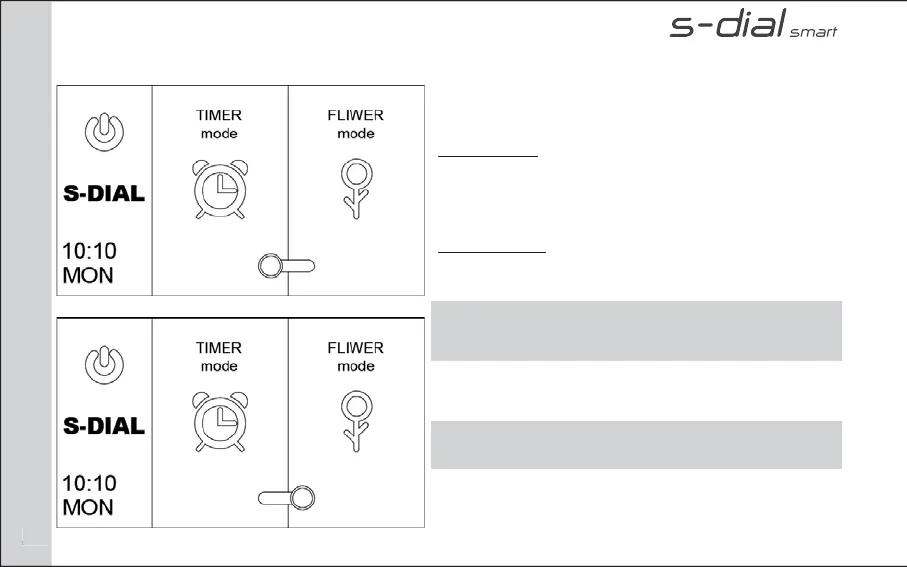
On HOME PAGE you can choose the operating mode.
TIMER MODE
Select TIMER MODE if you want to set up the S-Dial
controller per program (A, B, C, D,) setting start time,
duration and frequency.
FLIWER MODE
Select FLIWER MODE if you want to connect the S-Dial
controller to FLIWER platform through FLIWER LINK.
NOTE: For FLIWER MODE go to the section FLIWER of manual
and read FLIWER instruction
Press the icon as in the picture to choose the desired
mode
REMEMBER: you can change the current time and day by
selecting hour/day at the bottom on the left.
PAGE: HOME


 To Next Page