26
13
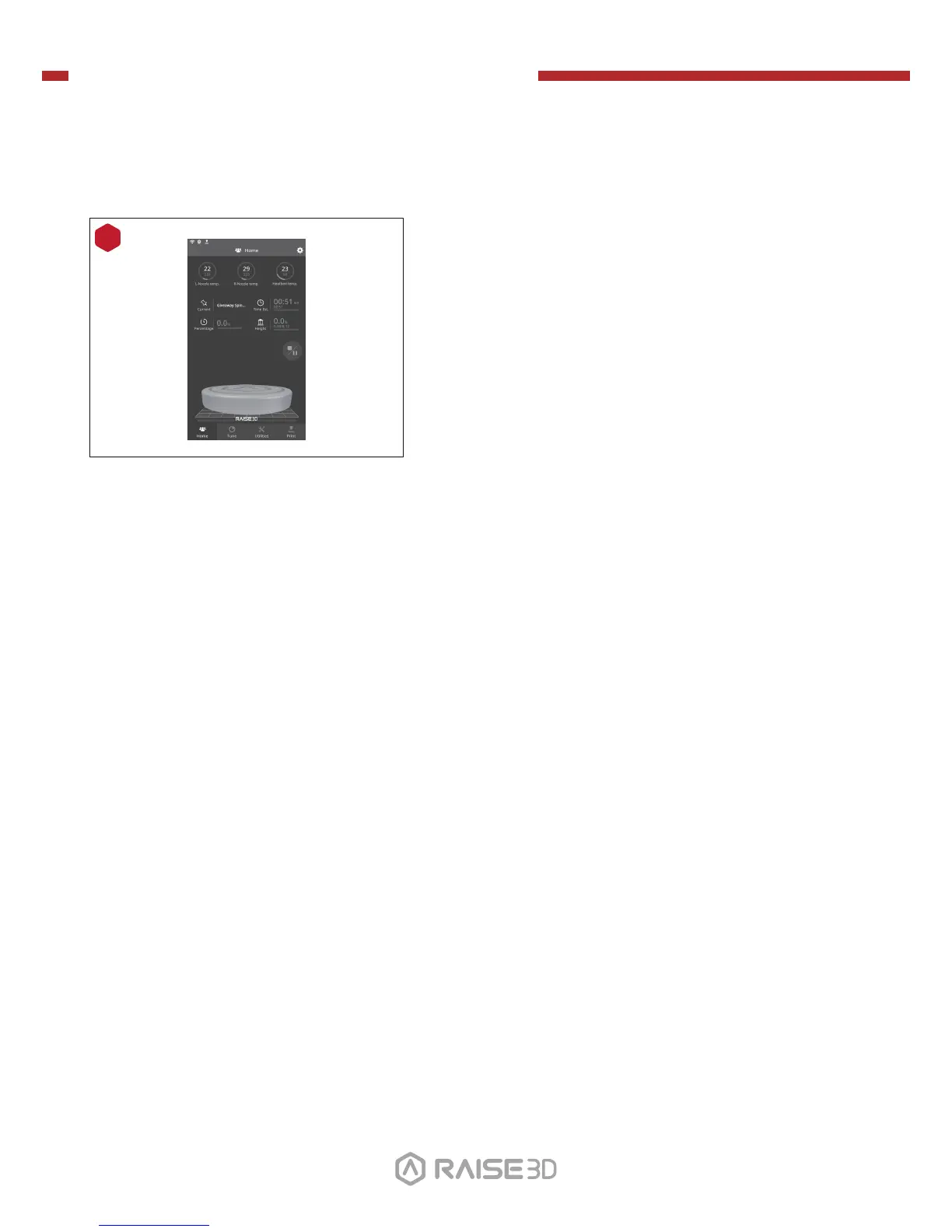
During printing, you can check the status of your
model including the remaining printing time and
other parameters from the “Home” interface on
the touchscreen.
NOTE: The touch screen will display an image of your
model on-screen during printing. This image will only be
shown when the file is sliced by ideaMaker and the
.data file is saved in USB storage or uploaded to screen.
H. Dual-Extruder Print - Start First Print (continued)


 To Next Page