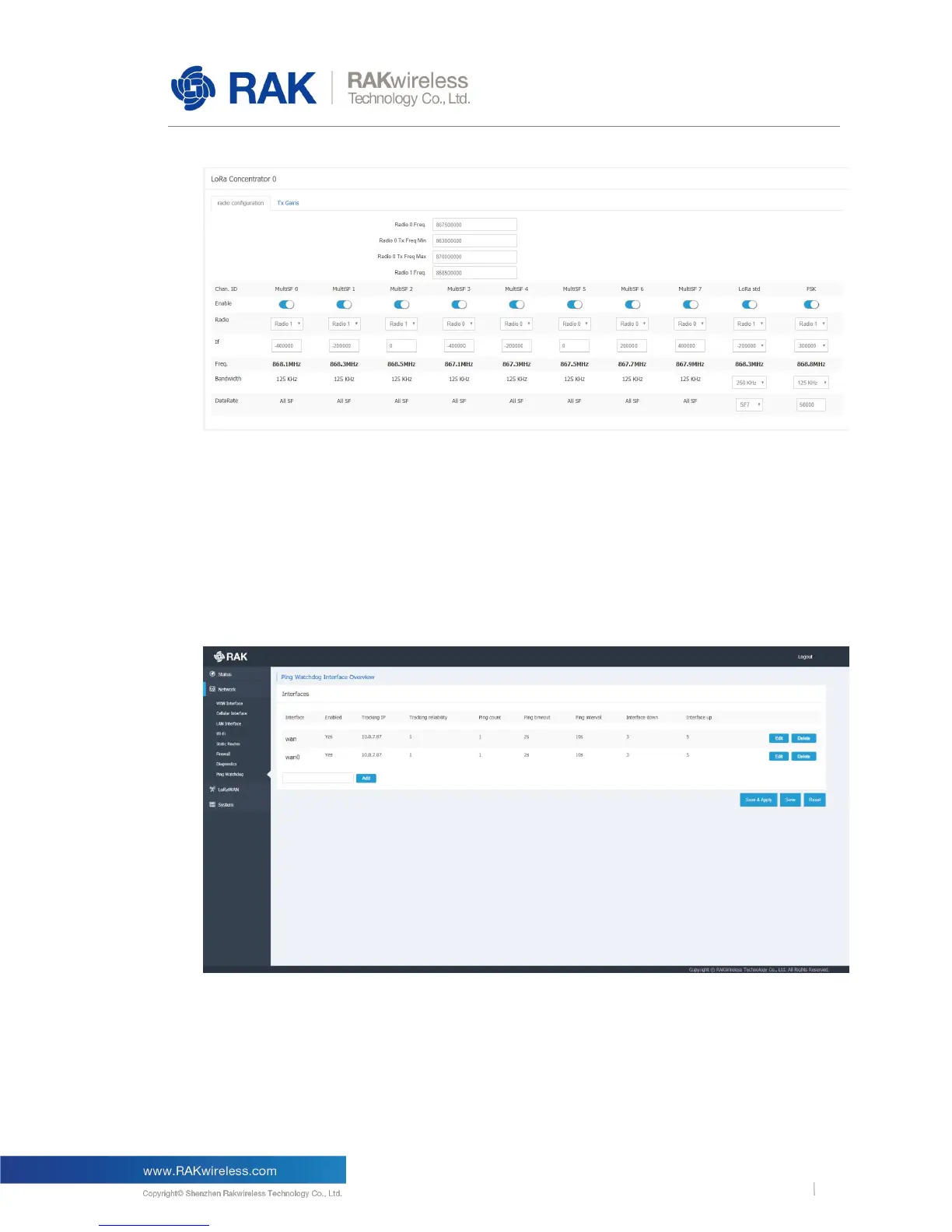
Figure 12 | Radio Configuration
Radio Configuration : Rx Setup
Tx Gains :Tx Power Setup
6.2.6 Network Ping Watchdog
Figure 13 | Ping Watchdog Interface
Ping Watchdog monitors the communication quality of network links by constantly pinging
the specified IP address or domain name on the specified uplink network interface. When
network link failures are found, scheduled measures are taken automatically, such as
<restart interface>/<reduce the priority of this uplink network interface>/<restart the device>.



 To Next Page