MULTIMEDIA 507
Units — If Equipped
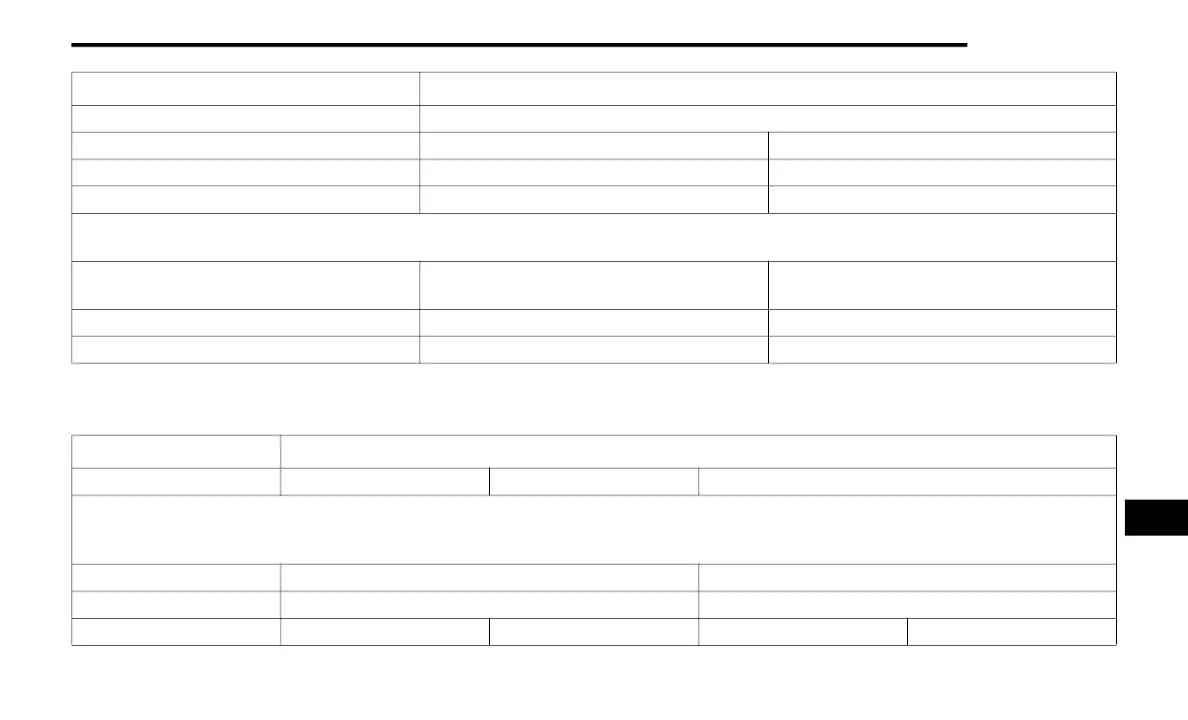
After pressing Units on the touchscreen, the following settings will be available:
Set Theme Pre-configured Themes
Touchscreen Beep On Off
Controls Screen Timeout — If Equipped On Off
Fuel Saver Display — If Equipped On Off
NOTE:
When selected, the system displays fuel saver mode in the instrument cluster.
Navigation Turn-by-Turn Displayed in Cluster — If
Equipped
On Off
Phone Pop-ups Displays In Cluster On Off
Ready To Drive Pop-Ups — If Equipped On Off
Setting Name Selectable Options
Setting Name Selectable Options
Units US Metric Custom
NOTE:
When the “Custom” setting is selected, units will appear according to your personally configured settings. To configure these settings, press the
Custom bar. The following settings will appear:
Speed MPH km/h
Distance mi km
Fuel Consumption MPG (US) MPG (UK) L/100 km km/L
9
20_DJD2_OM_EN_USC_t.book Page 507


 To Next Page