GETTING TO KNOW YOUR VEHICLE 61
AUTOMATIC CLIMATE CONTROL OVERVIEW
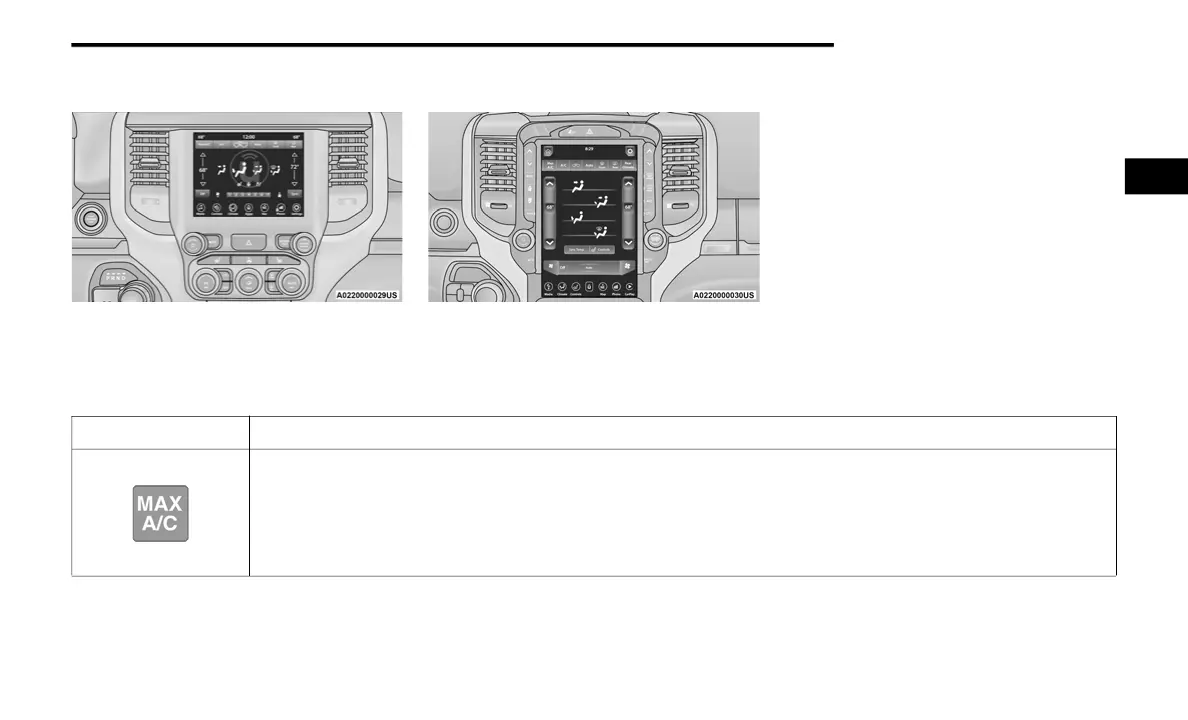
Uconnect 4/4C/4C NAV With 8.4–inch Display
Automatic Temperature Controls
Uconnect 4C NAV With 12–inch Display Automatic
Temperature Controls
NOTE:
Icons and descriptions can vary based upon vehicle equipment.
Icon Description
MAX A/C
Press and release the MAX A/C button on the touchscreen to change the current setting to the coldest output of air. The
MAX A/C indicator illuminates when MAX A/C is on. Pressing the button again will cause the MAX A/C operation to exit.
NOTE:
The MAX A/C button is only available on the touchscreen.
2
20_DJD2_OM_EN_USC_t.book Page 61



 To Next Page