One or more base station units can be added to a basic system to
provide additional system monitoring information. Base stations include
details about which units have raised re alarms, any units with current
fault warnings and historical event logs. The base station also allows
an authorised user to silence a re alarm using an access code.
Optional GSM functionality allows up to six users to receive text
messages in the event of a re or other system warnings occurring.
To conserve battery power, the LCD display and backlight turn off after
a short period of inactivity. Pressing any of the navigation buttons will
activate the display. If there are no current warnings or re alarms
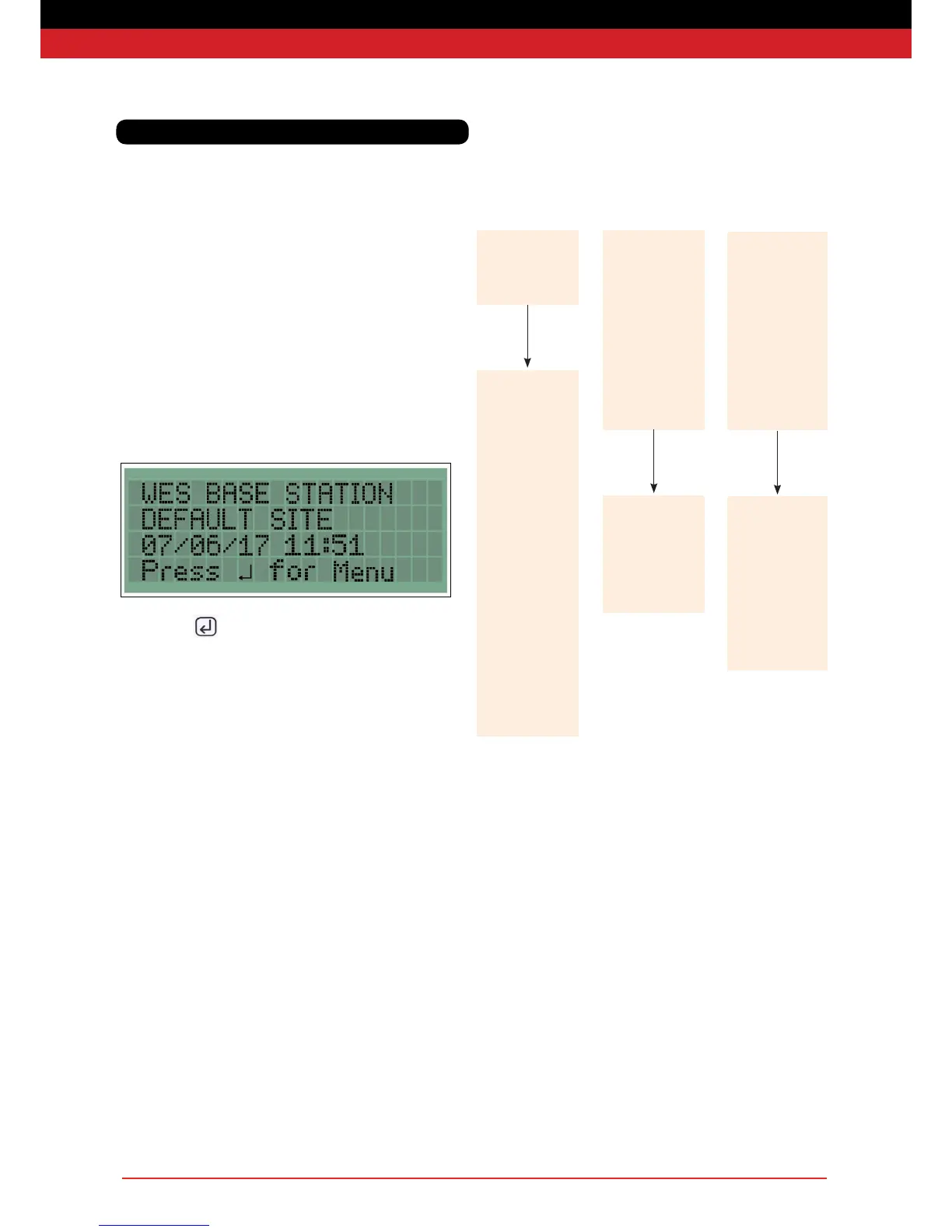
across the system, the base station will display the home screen which
shows the site name and the date and time.
Pressing enter ( ) goes to the main menu to allow settings to be
changed or logs to be viewed.
Advanced systems - Base Stations
Menu overview
Main Menu
Settings
System Logs
Settings Menu*
Unit Numbering
Communications
Date and Time
Change Access
Code
Backlight
Mobile Base
Change Language
Communication
Menu**
Change Site
Name
User Phone
Details
GSM Status
SIM Card
Information
System Log
Menu
Alarms
Silent Tests
External
Tampers
Internal
Tampers
DT Head
Tampers
Low Signals
Low Batteries
Flat Batteries
Latched Units
Unit Removed
Clear All
Logs*
Change
Language
English
Deutsche
Français
User Phone
Details
Edit User Name
Edit Phone
Number
SMS Notications
Test Phone
Number
* Acces Code Required
** Only for GSM Base Stations


 To Next Page