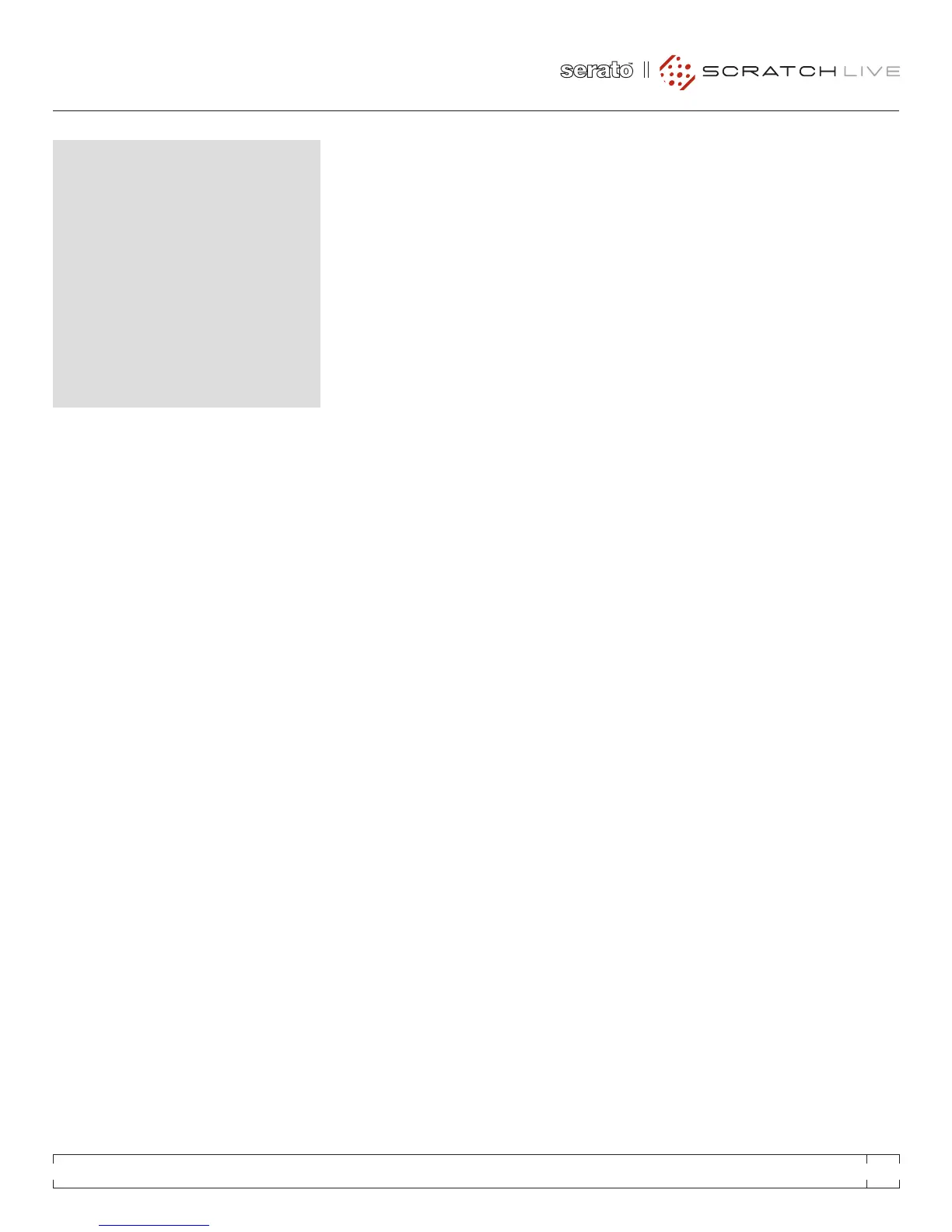
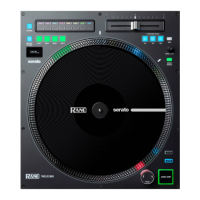
This single turntable technique allows you to mix
as if you had two turntables, using just one. If
one of your turntables is not performing properly,
or if you only have one available, you will be able
to continue to mix the way you are used to.
The following is a step-by-step description
of how to perform a mix using only your right
turntable or CDJ with the instant doubles
feature.
menu SettIngS
Go to the setup menu, click on the playback tab.
Make sure “instant doubles” is checked, and
“lock playing deck” is unchecked.
Load a track onto the right deck in Scratch
Live and play as usual.
Put the left hand deck into mode.
Load the same song you have playing on the
right deck onto the left deck. The track on the
left will start playing from the same point and
at the same pitch as the right deck
You can now quickly slide the cross fader over
to the left deck.
Your right deck is now free to load up a new
song ready to mix in.
Repeat!
cd pLayeR
RANE SL 3 FOR SERATO SCRATCH LIVE • OPERATOR’S MANUAL 1.8.4
27


 To Next Page