DST30P Wheel Balancer 36 P/N 5900163 — Rev. C1 — March 2020
24. Check the value on the Outer Window:
– If the value is 00, you do not need to add Weight to the Center Plane.
– If there is a value—.25, for example—you need to add that amount of Weight to the Center
Plane (for both ALU1 and ALU2).
25. To add Weight, break off the appropriate number of Adhesive Weight sections.
26. Turn the Wheel, watching the indicators under the Inner Window.
The Indicators light up or go out as you move the Wheel.
27. When all of the Indicators go on, press the Brake Pedal to hold the Wheel at that position.
28. Pull the backing off the Adhesive Weights, then add the Weight at Top Dead Center on the Wheel
(12 o’clock high) on the Center Plane.
If you are adding Adhesive Weight with multiple sections, center them on Top Dead Center.
29. Release the Brake Pedal.
30. Lower the Hood to spin the Wheel again.
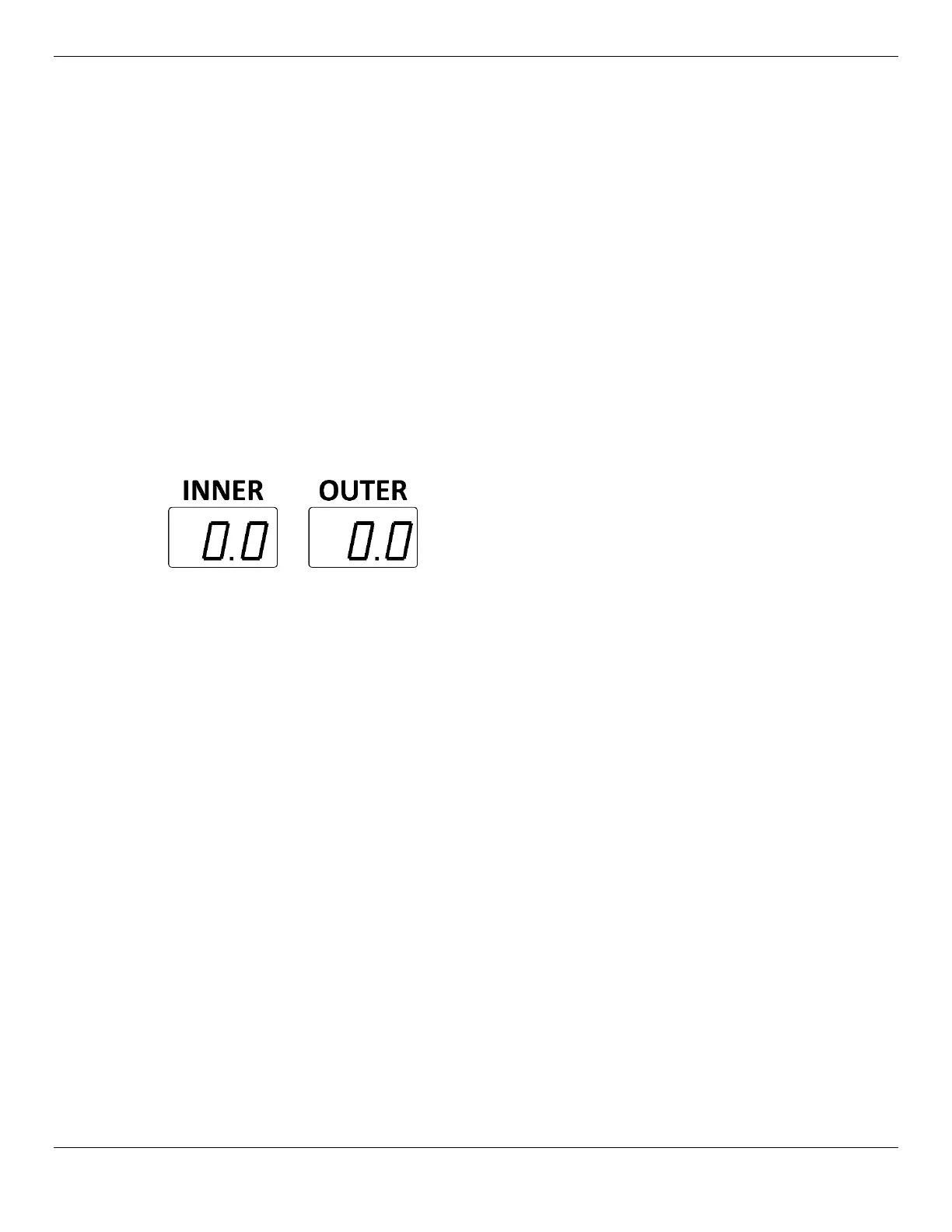
The Wheel is balanced when both the Inner and Outer Windows show 00.
It may take more than one time adding weights to get to 0.0 | 0.0.
Switching Between Ounces and Grams
The display on the Inner and Outer Windows for how much weight is needed to balance a Wheel can
show values in Ounces or Grams. The default is Ounces.
To switch from the current setting to the other setting:
1. Run a balancing session.
You can use default values; having a Wheel on the Balancer is not required.
2. When the Wheel stops moving, press the Stop button and hold it down, then also press the + and
– buttons under Distance.
You will hear a beep; the display has changed from the current setting to the other setting.
3. To tell which setting is active, look at the values in the Inner and Outer Windows:
– If the values have decimal points, Ounces are active.
– If the values
do not
have decimal points, Grams are active.
Note: The Ounces/Grams setting, whichever setting is active, is saved if you restart the Balancer.


 To Next Page