General instructions for use
24 / 61
General notes
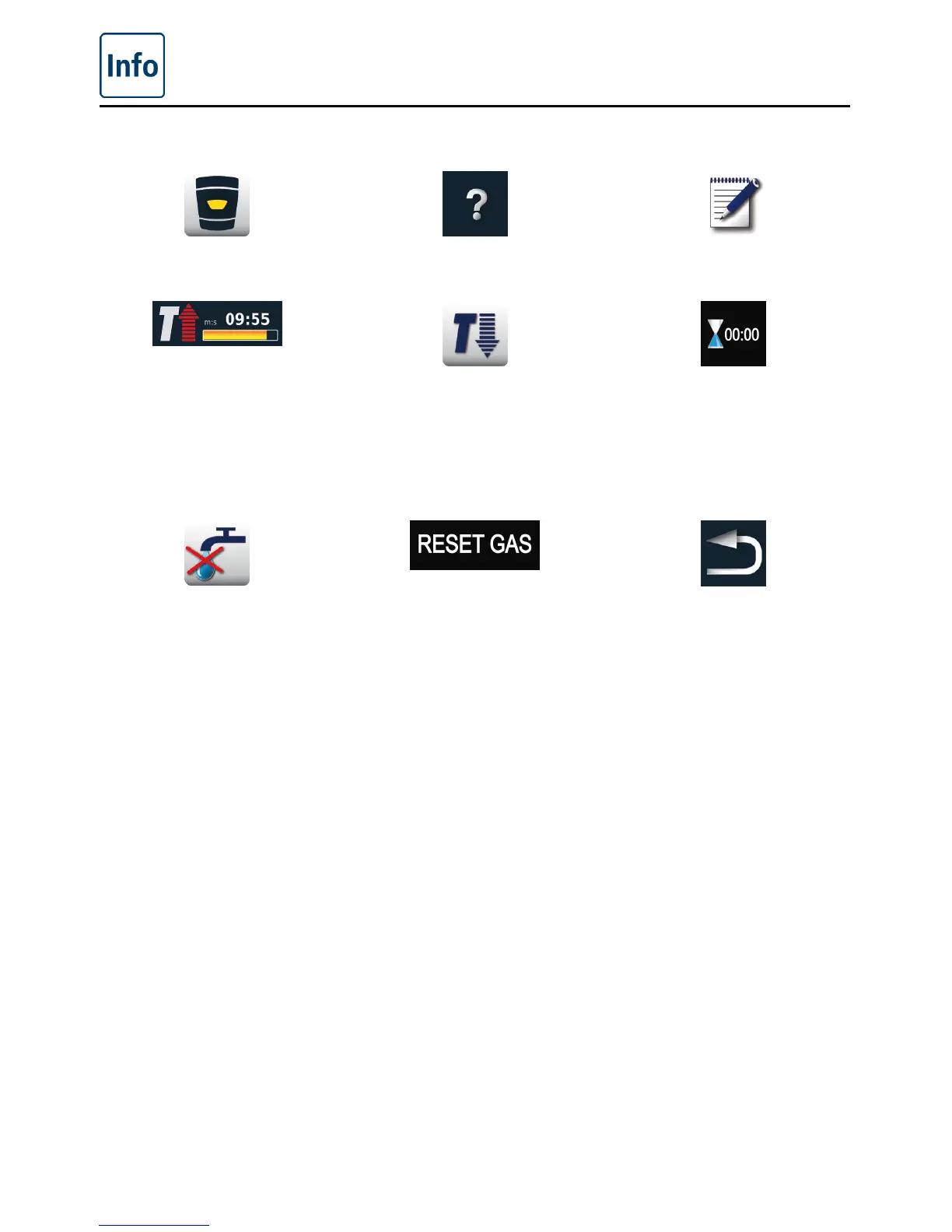
Back to start level Help function Programming mode
Status display preheat,
red arrow for preheat, blue
arrow for cool down.
Cooking cabinet too hot
– button flashing (see
the “Cool Down” section
on cooling the cooking
cabinet).
The end of cooking is
indicated by an acoustic
signal and animated
graphics.
Low water level – Open the
water tap. Display goes out
after filling.
“Gas burner fault” Press
“RESET GAS” – New
ignition process. If the
display lights up repeatedly,
inform Service!
back/cancel



 To Next Page