Fault messages
48 / 61
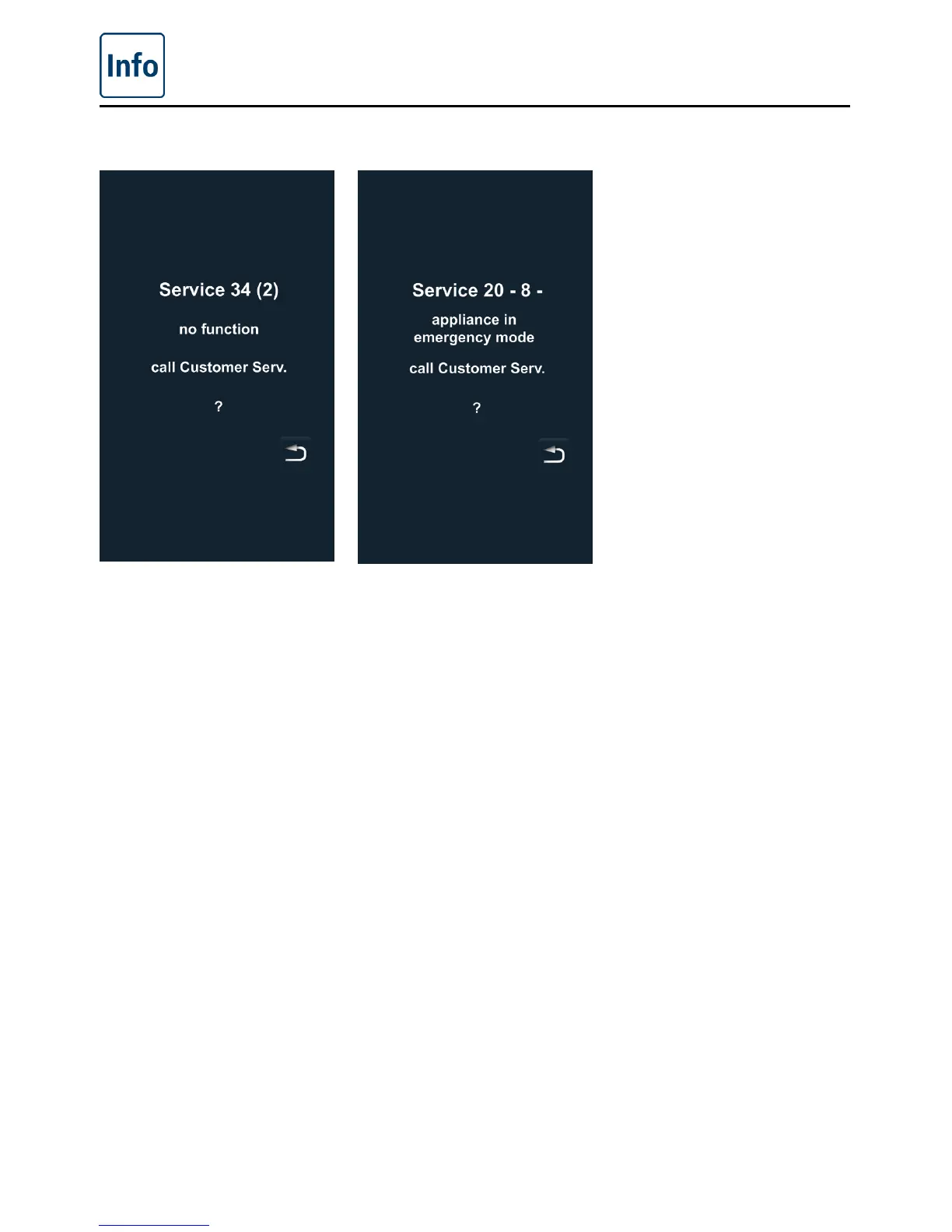
Displays for general faults
If faults occur on your unit,
they are indicated on the
display: Please note the
phone number for fast
contact with your customer
service department.
Faults on your unit which
allow you to carry on
cooking can be suppressed
by pressing the “back”
button.



 To Next Page