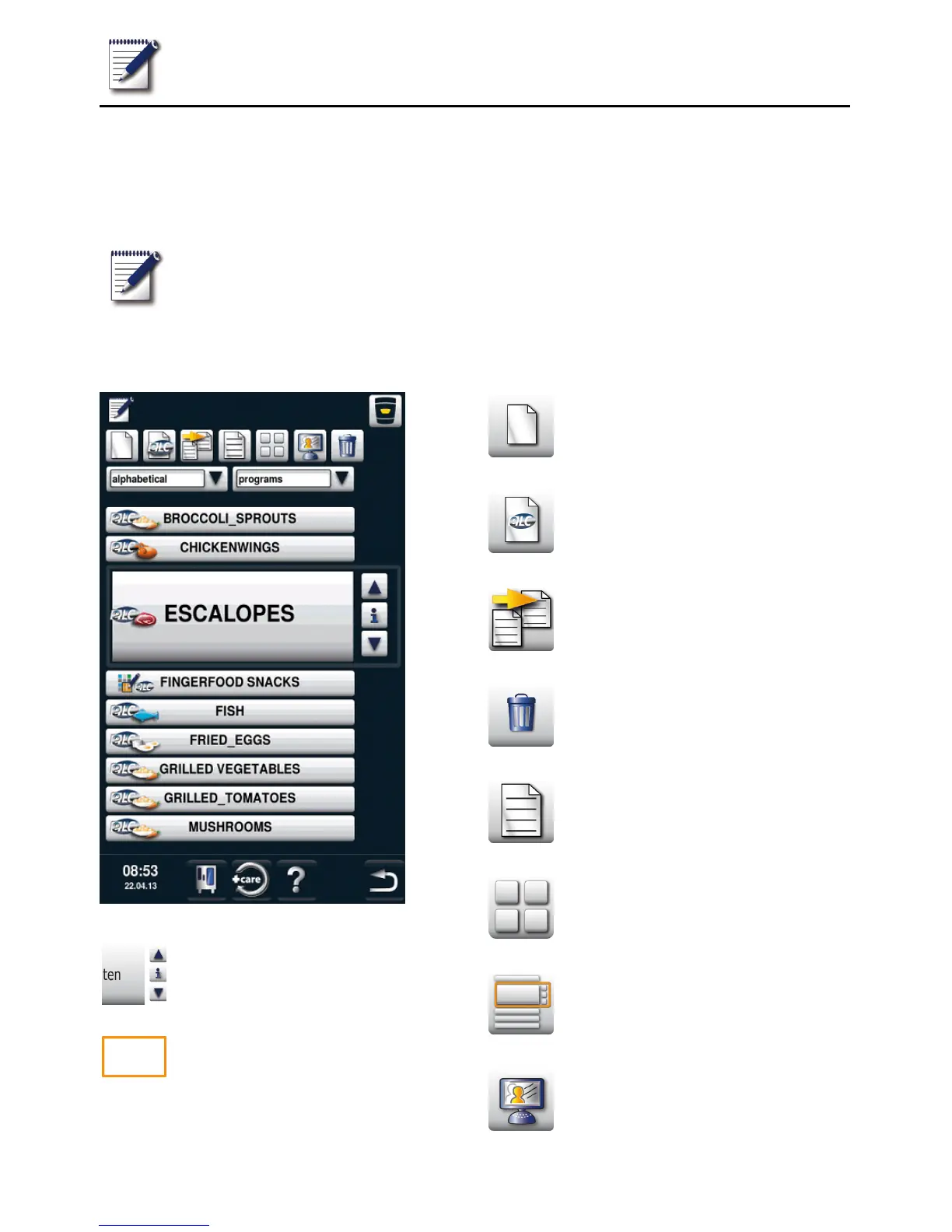
Programming mode
33 / 61
It takes no time at all to create your own cooking programs in programming mode. The
7 operating modes (meat, poultry, fish, bakery products, side dishes, egg dishes/dessert,
finishing) can be copied, adapted and saved under a new name according to your individual
requirements, or you can create your own manual programs with up to 12 steps.
Press the button to enter
programming mode.
Explanation of pictograms
Select program
Selection window – start program
New program
New ELC program
Copy program
Delete program
Change program
Image view
List view
Open MyDisplay



 To Next Page