Programming mode
34 / 61
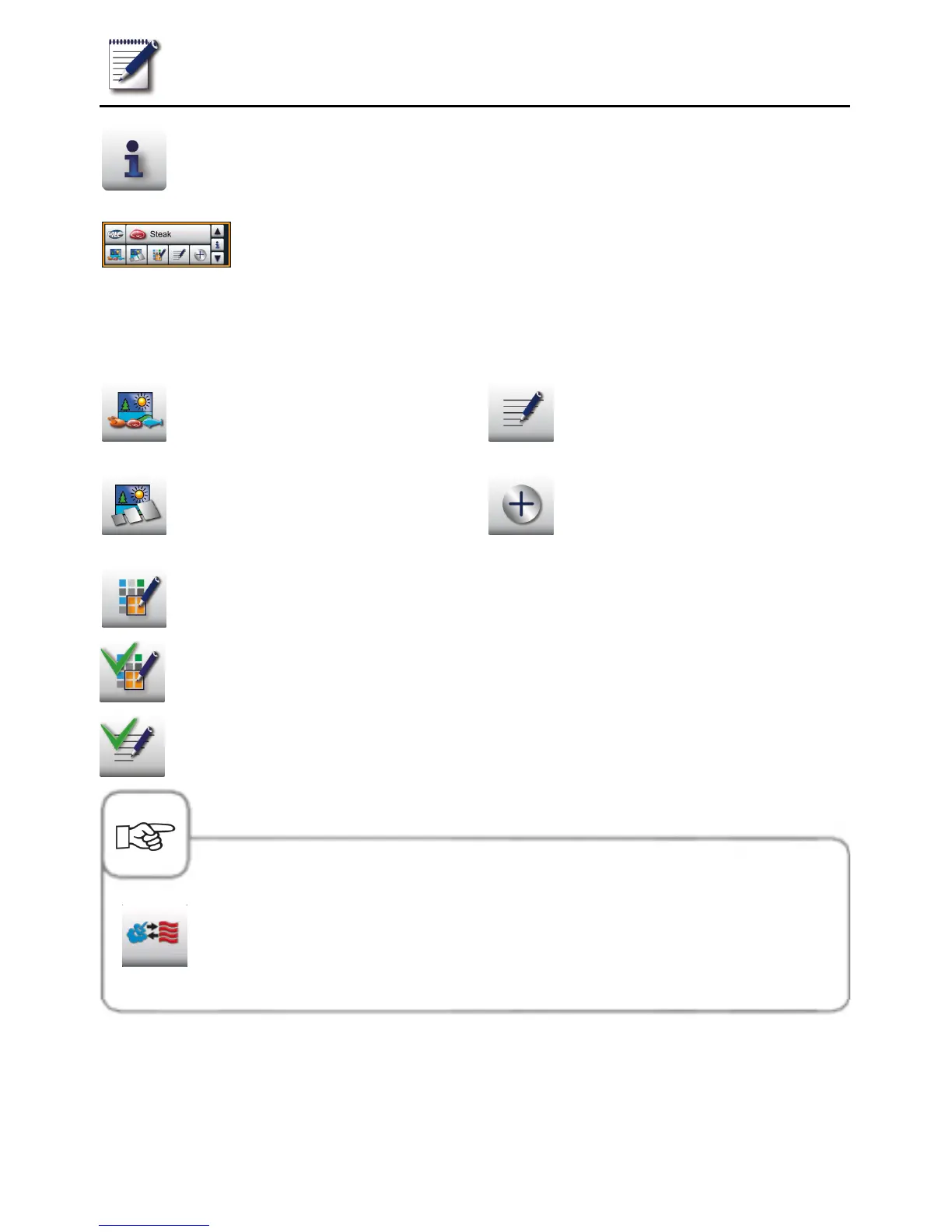
Selection window – indicate
program details
Selection window with
the information button
pressed
In addition to the program names, further information can be requested or stored using the
following buttons.
Image of the food for the program
Image of the accessories for the
program
Group allocation (e.g. breakfast)
Notes on the program
Additional attributes can be
selected
The assignment to a group is indicated by pressing the "Group assignment"
button.
An existing assignment is signalled by a green check mark.
Programme notes saved are displayed directly by pressing the "Notes"
button. Available notes are signalled by a green check mark.
The pictogram shows the operating mode of the stored program such as
combination of steam and dry heat, for example. Other pictograms are
shown correspondingly for SelfCooking Control® cooking processes and
EPS.



 To Next Page