8
TROUBLESHOOTING
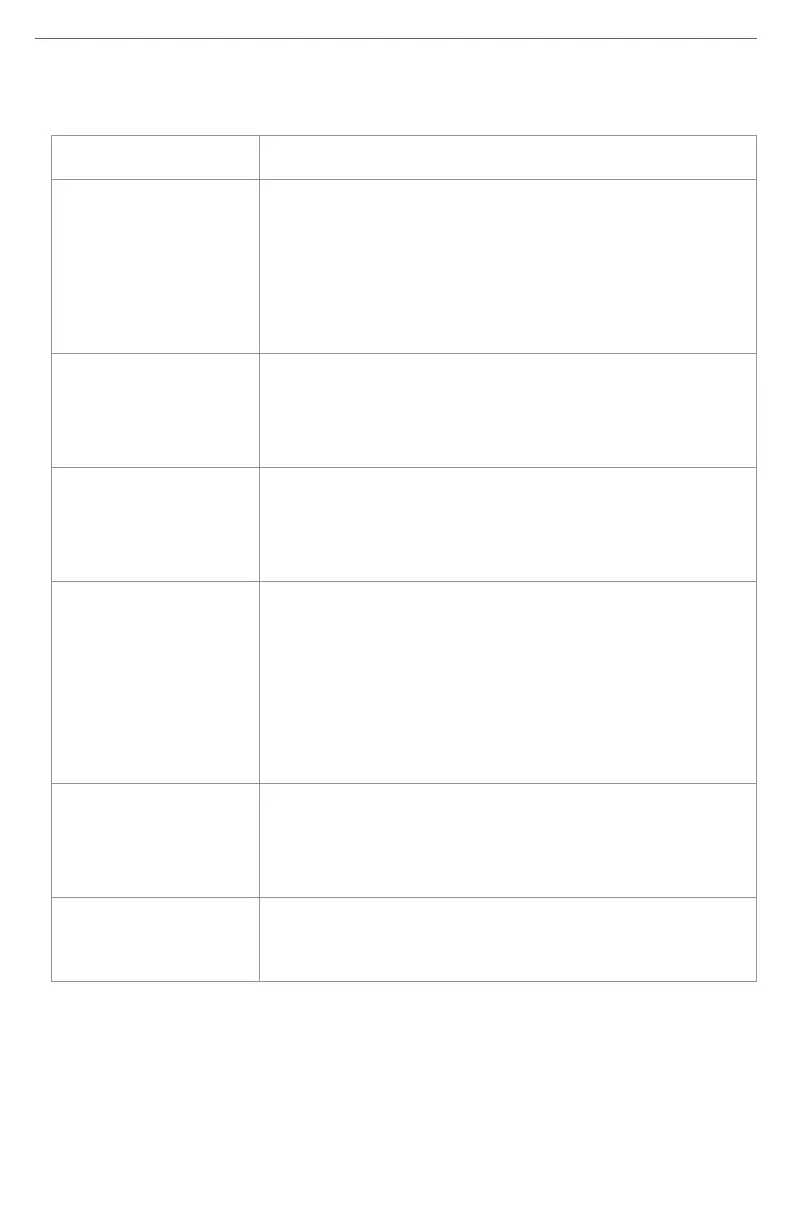
TABLE 3. Troubleshooting
Issue Possible Solution
Receiver fails to
power
• Verify polarity of power leads.
• Verify the CR7™ is powered on.
• Check integrity of power cable connections.
• Check the power input voltage (7 - 32 VDC).
• Check current restrictions imposed by power source
(maximum is 500 mA at 12 VDC).
No communication
data from the 500S™
• Check the receiver power status.
• Verify the baud rate settings match.
• Check settings on the CR7™ console. If needed,
redetect serial devices.
No valid data from
the 500S™
•Verify it is tracking four or more GNSS satellites.
• Check integrity and connectivity of power and data
cable connections.
• Verify the baud rate settings match.
Random binary date
from 500S™
• Verify the RCTM or the BIN messages are note being
accidentally output.
• Verify the baud rate settings match.
• Potentially, the volume of data requested to be output
could be higher than the current baud rate supports.
Try using a higher baud rate for communications or
decreasing the number of messages and/or baud
rates.
No GNSS lock
• Check the integrity of the antenna’s power/data cable.
• Verify the antenna’s view of the sky.
• Verify the lock status and signal-to-noise ratio (SNR)
of GNSS satellites.
No GNSS position
• Verify the antenna’s view of the sky, especially toward
GNSS satellites.
• Set the satellite selection to automatic mode.



 To Next Page
 Loading...
