Raven Connected allows multiple users to access your Raven through the mobile and web app. Want someone else to have access to your
Raven’s data? Let others access live Check-Ins, view your Trip Cards and monitor location, diagnostics and vehicle information with ease.
From the Raven Connected mobile app:
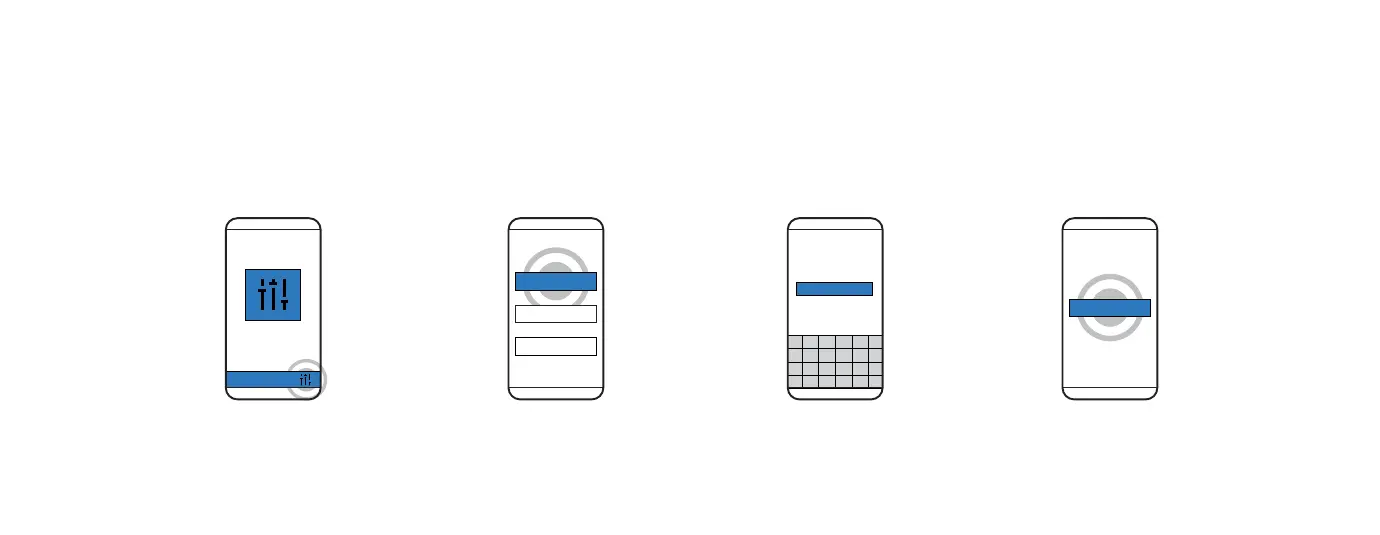
ADDING MULTIPLE USERS TO YOUR RAVEN ACCOUNT
1. SETTINGS
From the Raven Connected
app, select Settings.
2. USERS
Select Users.
3. ENTER EMAIL
Enter the email of the individual
you would like to invite.
4. INVITE
Select Invite.
14
USERS
INVITE USER
INVITE



 To Next Page