19
SETTING UP GEOFENCES
SET UP GEOFENCE
1. GO TO APP.RAVEN.IS
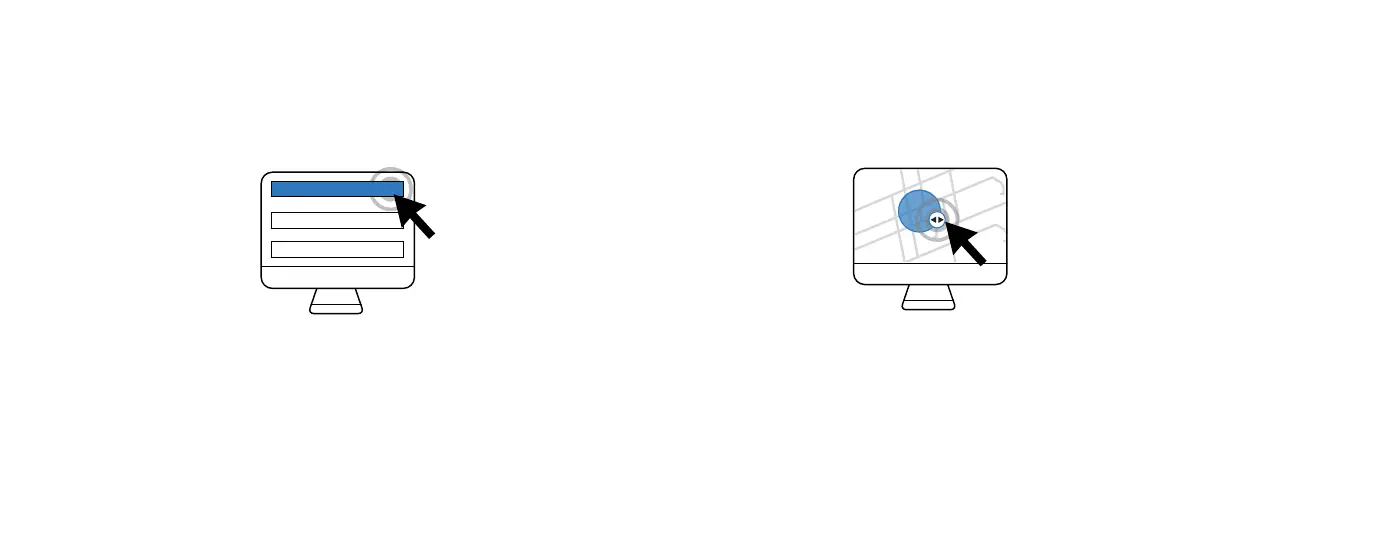
Open the Resources panel on the left side of the
Dashboard and select ‘Add Geofence’.
1. POSITION THE GEOFENCE
Choose the desired location on the map, or type the address in the
search bar. Change the size of the Geofence by clicking and draging
the arrows on the Geofence. Then, set your preferences and save.
Want to be alerted when your car arrives at or leaves a specific location? The Raven Connected web
app, allows users to set up to four dierent Geofences, or virtual boundaries.



 To Next Page