Raven can automatically download videos to your phone for easy sharing. Don’t have time to individually download the videos
from your Raven? Set up automatic downloads to access all of your videos on your mobile device.
To set up automatic downloads of Raven Event and Gesture-Triggered videos:
For Android users:
SETTING UP AUTOMATIC VIDEO DOWNLOADS
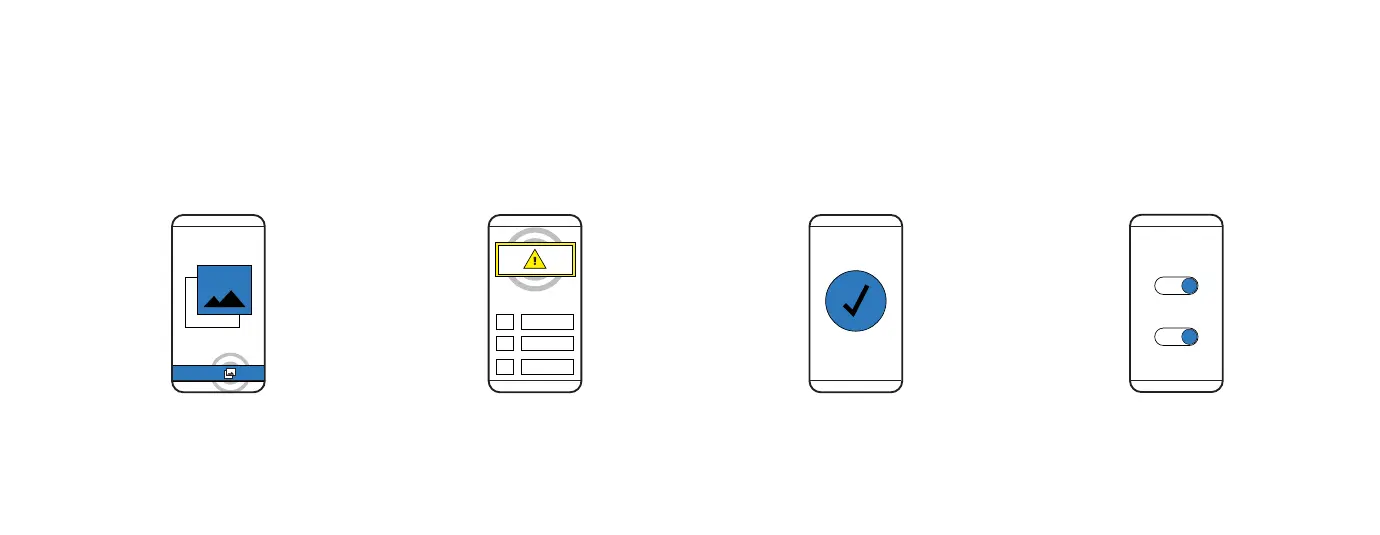
1. MEDIA MANAGER
From the Raven Connected
app, select Media Manager.
2. GRANT PERMISSION
Select the yellow information
box at the top of the screen to
grant permission.
3. COMPLETE SETUP
Follow the on-screen
instructions to complete
the set-up.
4. SELECT DOWNLOADS
Toggle which automatic
downloads you would like
to enable.
6
ROAD
CABIN



 To Next Page