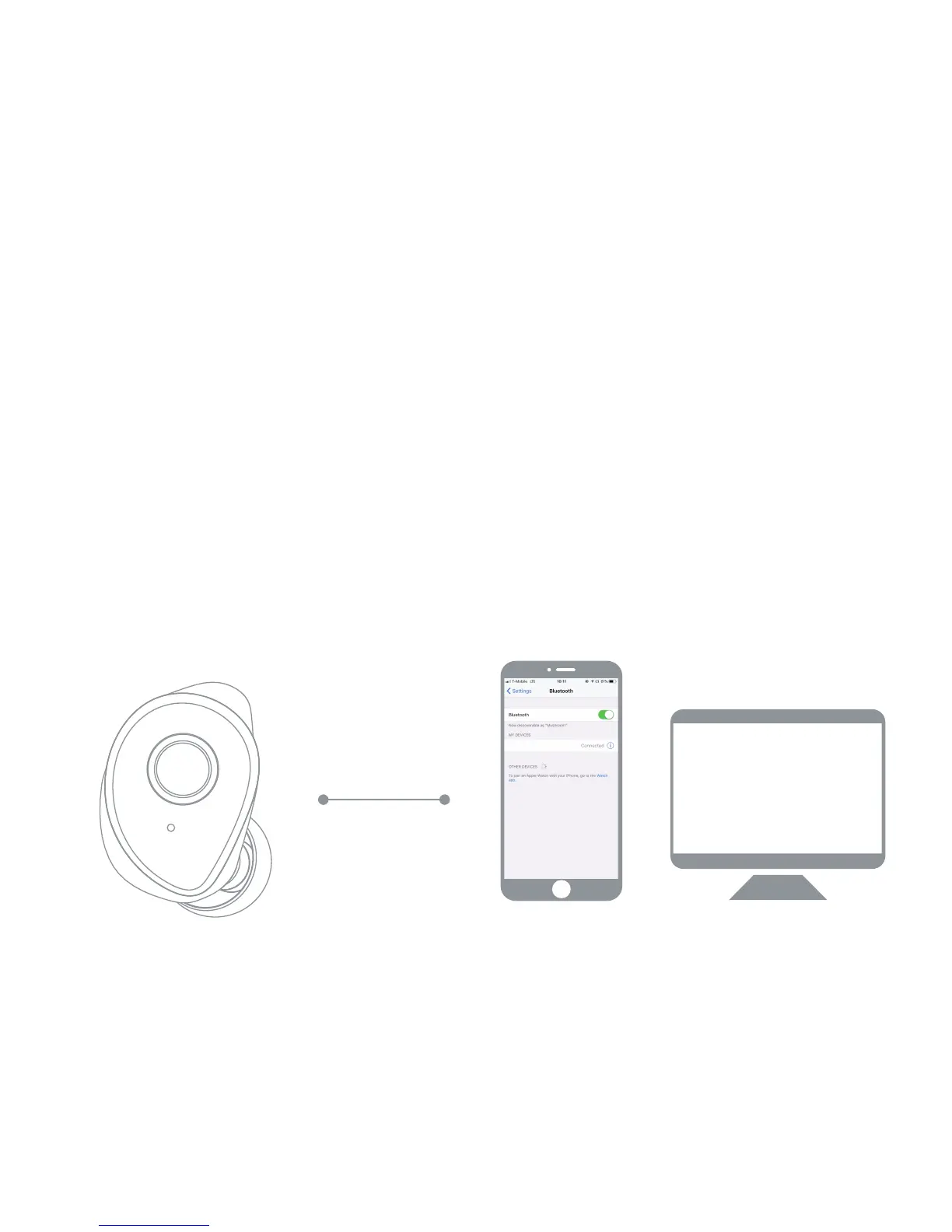
E. Right Earphone Single-Play Mode
Raycon E50 Eardrums-R
Raycon E50 Eardrums-R
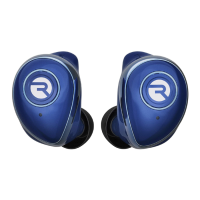
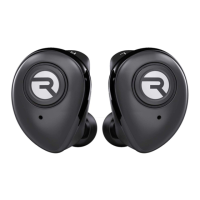
Take the right earphone from the capsule and turn it on. Hold
the control button of right earphone for 2 seconds to power
on. The earphone should flash blue. When paired, the
earphones should send out a voice prompt.
Turn on Bluetooth on your phone or laptop, search "Raycon
E50 Eardrums-R" and click it to pair.



 To Next Page