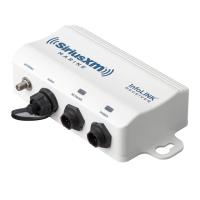
5.1StatusLED
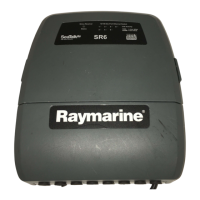
A3colorLEDprovidestheSatelliteReceiverStatus
LEDstatusFunction
FlashinggreenNormaloperation
2XashingamberNodisplayisconnectedfortheSirius
output
3XashingamberNoSiriussignal/Antennadisconnected
3XashingredAntennashortcircuitfault
OtherashingredReceiverfailure
NetworkLED
EachSeaT alk
hs
networkporthasanLED:
LEDstatusFunction
Flashing
SeaTalk
hs
connectedandcommunicating
Off
Nocableconnectedornocurrentcommunication
5.2Raymarinetechnicalsupport
Raymarineprovidesacomprehensivecustomersupportservice,on
theworldwideweb,throughourworldwidedealernetworkandby
telephonehelpline.Ifyouareunabletoresolveaproblem,please
useanyofthesefacilitiestoobtainadditionalhelp.
Websupport
Pleasevisitthecustomersupportareaofourwebsiteat:
www.raymarine.com
ThiscontainsFrequentlyAskedQuestions,servicinginformation,
e-mailaccesstotheRaymarineTechnicalSupportDepartmentand
detailsofworldwideRaymarineagents.
Telephonesupport
IntheUSAcall:
+16038815200extension2444
IntheUK,Europe,theMiddleEast,orFarEastcall:
+44(0)2392714713
Productinformation
Ifyouneedtorequestservice,pleasehavethefollowinginformation
tohand:
•Productname.
•Productidentity.
•Serialnumber.
•Softwareapplicationversion.
Youcanobtainthisproductinformationusingthemenuswithinyour
product.
28SR6SiriusReceiver


 To Next Page