23
Printing
Printing le load
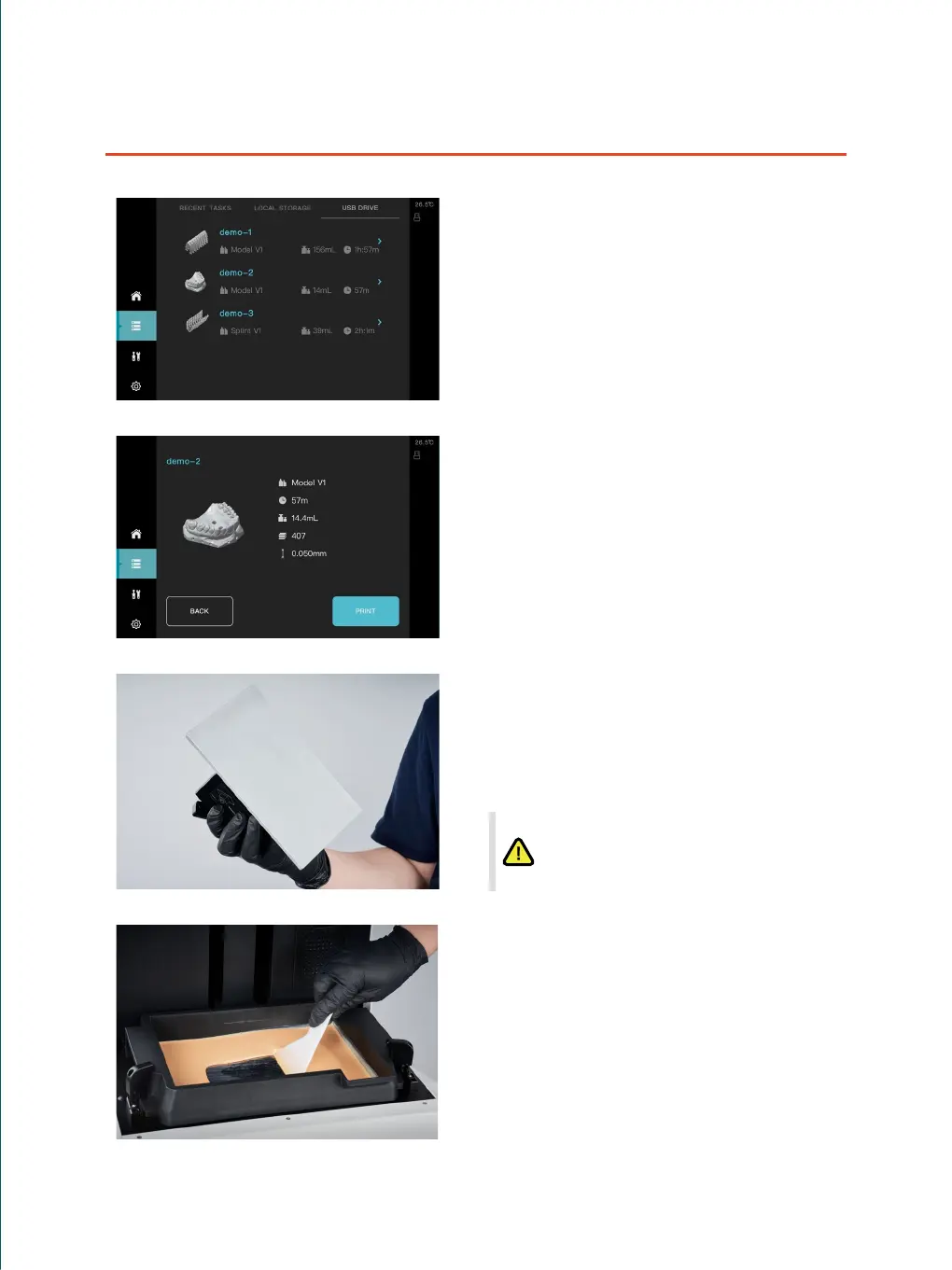
① Select a printing task in the historical list
② Printing tasks were delivered from ShapeWare
③ Read the printing le in the USB drive
Check with the printing platform
① The surface of the printing platform should be
clean and free of foreign matter.
② Make sure the printing platform to be installed in a
correct and reliable way.
Check with the resin tank
Do a visual check that whether the release film is
damaged and any foreign matter is available in the
resin tank if it is an empty one.
If there is residual resin available in the tank, use the
plastic scraper to scrape the bottom of the resin tank
slightly to check whether the release film is damaged,
and mix the resin evenly in the meanwhile.
Conrm the information of the printing task
②
③
①
After a long term usage, there may be pits or
scratches on the surface of the platform which will
not inuence the quality of the printing. But convex
on the surface of the platform is not allowed to
avoid the risk of damage to the release lm.



 To Next Page