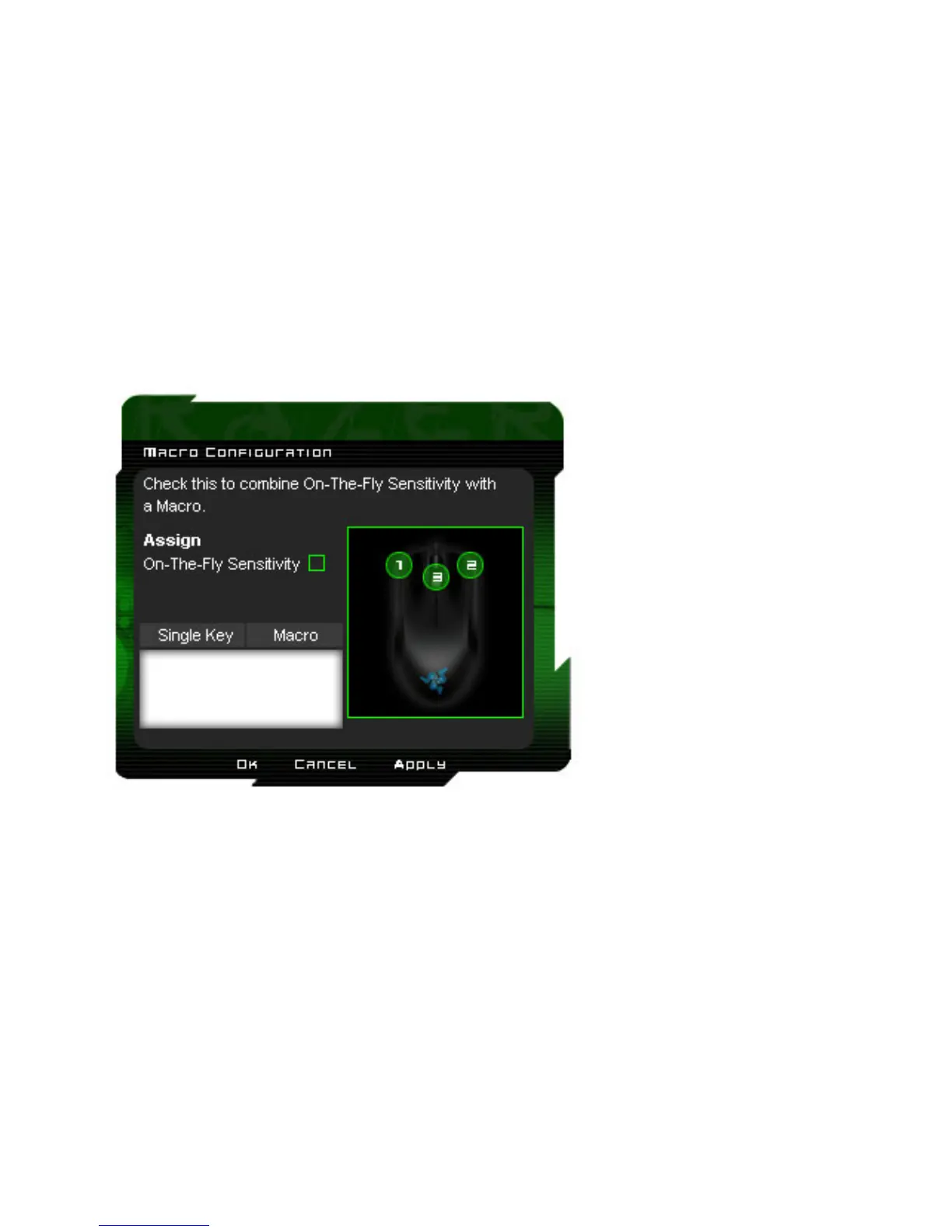
Advanced:
If the button function or key is not listed, or if you would like to assign a macro, select “Advanced” from the
drop-down menu. Macros can be up to 8 keystrokes and “On-The-Fly Sensitivity” can be assigned in
addition to the macro.
Windows Button 4:
Issue a “Back” command in Windows Explorer / Internet Explorer.
Windows Button 5:
Issue a “Forward” command in Windows Explorer / Internet Explorer.
On-The-Fly Sensitivity:
Enables change of sensitivity settings of your mouse on the fly without the need to enter the configuration
menu.
Button Off:
Disable any function on the assigned button.















 To Next Page