Contents [ hide
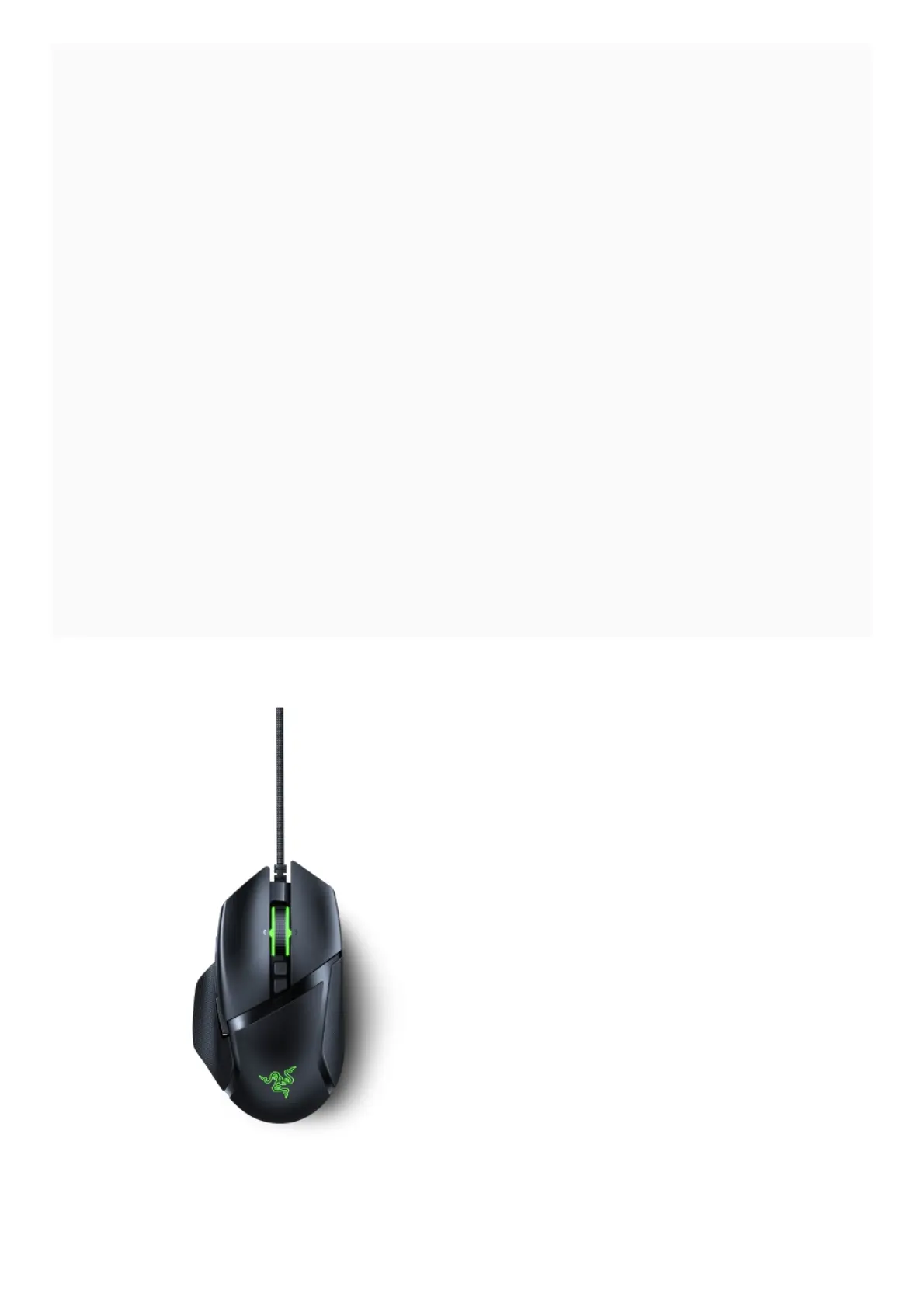
1 Razer Basilisk V2 Support
2 Common Questions
2.1 Do I need to install additional software or drivers to use the Razer Basilisk V2?
2.2 What is the clutch for?
2.3 What is the dial at the bottom of the mouse?
2.4 Will my Razer Basilisk V2 work on a console?
2.5 What is “On-The-Fly Sensitivity” and how do I configure it?
2.6 What quick lighting effects are available for the Razer Basilisk V2?
2.7 What is Advanced Lift-off/Landing distance customization? How do I configure it?
2.8 How do I clean my Razer™ mouse?
2.9 How can I modify or disassemble my Razer product?
2.10 How do I request or purchase replacement parts for my Razer product?
3 Troubleshooting
3.1 My Razer Device is not detected in Razer Synapse 3. How do I fix this?
3.2 Why does my Razer mouse pointer stutter or freeze?
3.3 My Razer mouse is not working properly when used with a KVM switch. How do I fix this?
4 Hardware
4.1 Technical Specifications Comparison Table for Optical Mouse Switch vs Mechanical
Switch
4.2 What kind of sensor does the Razer Basilisk V2 use?
4.3 What type of switch does the Razer Basilisk V2 use?
4.4 Does the Razer Basilisk V2 come with the Razer Chroma Mouse Charging Dock?
5 Software
5.1 Does the Razer Basilisk V2 support Razer Chroma RGB?
5.2 Does the Razer Basilisk V2 mouse have on-board memory?
5.3 Downloads
5.4 Related Manuals:
Razer Basilisk V2 Support
Common Questions
Do I need to install additional software or drivers to use the Razer Basilisk V2?












 To Next Page