Attempt to reinstall the game or application.
If the issue persists, check if this is a common issue with other owners of the same game or
application to see if a fix is available on their end.
6. Restart the device and test if the issue is still present after the reboot.
7. Adjust your screen resolution to match the screen resolution of the game or application.
8. If the issue is still present, attempt to reinstall the updated graphics driver and test the device
again to eliminate the possibility of a corrupt installation.
9. If the steps above did not resolve the issue attempt to perform a system recovery or factory
reset.
What should I do to maintain the power adapter’s good condition and extend its
life span?
To keep your power adapter in good condition and extend its life span, check this guide.
Updating Microsoft OS
It is important to keep your Microsoft OS updated to ensure that you can receive the latest software
updates for your system.
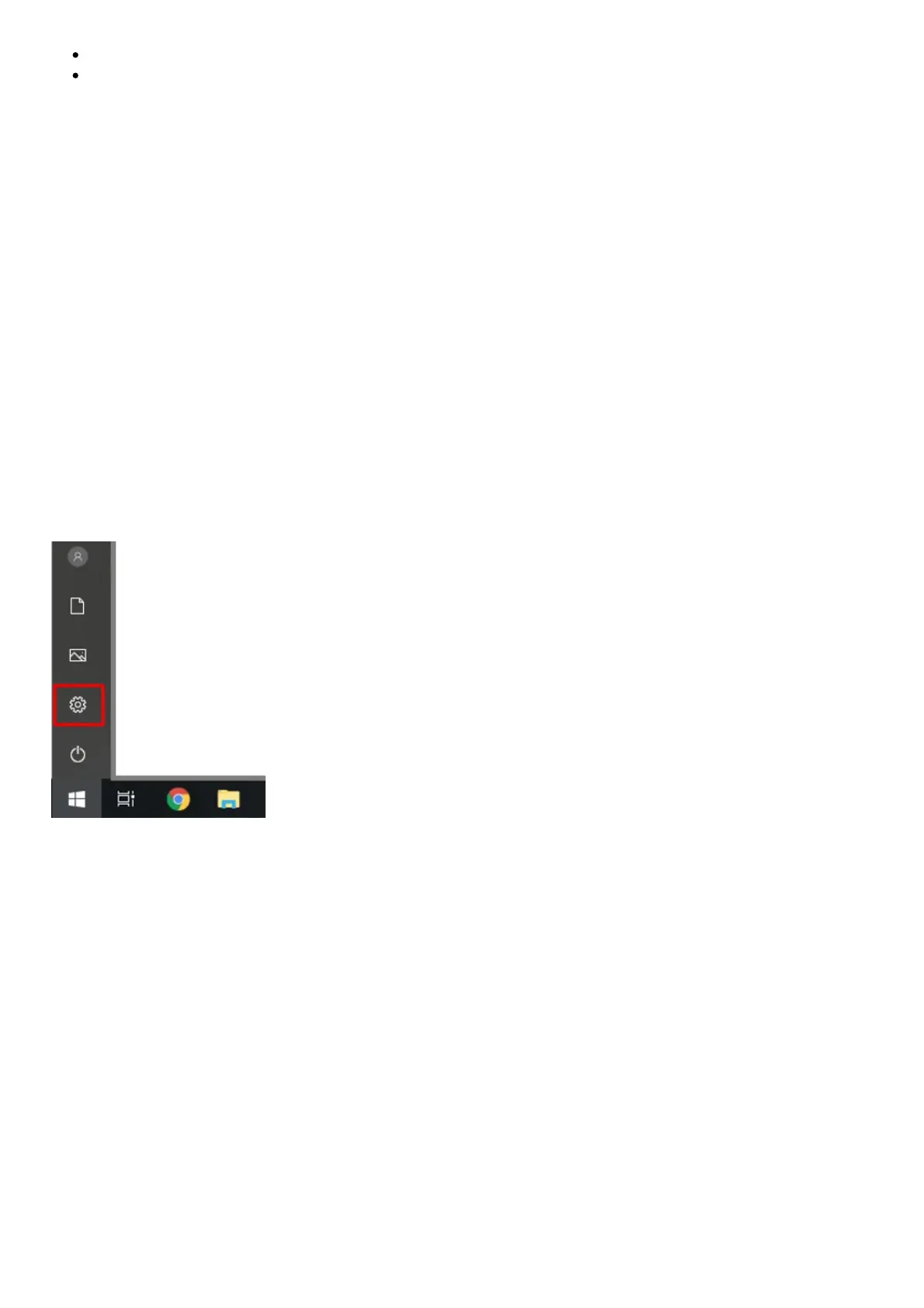
Follow the steps below to check for updates on your Windows 10 Razer Blade.
1. Click the “Start” button, and then go to “Settings”.
2. Select “Update & Security”.



 To Next Page