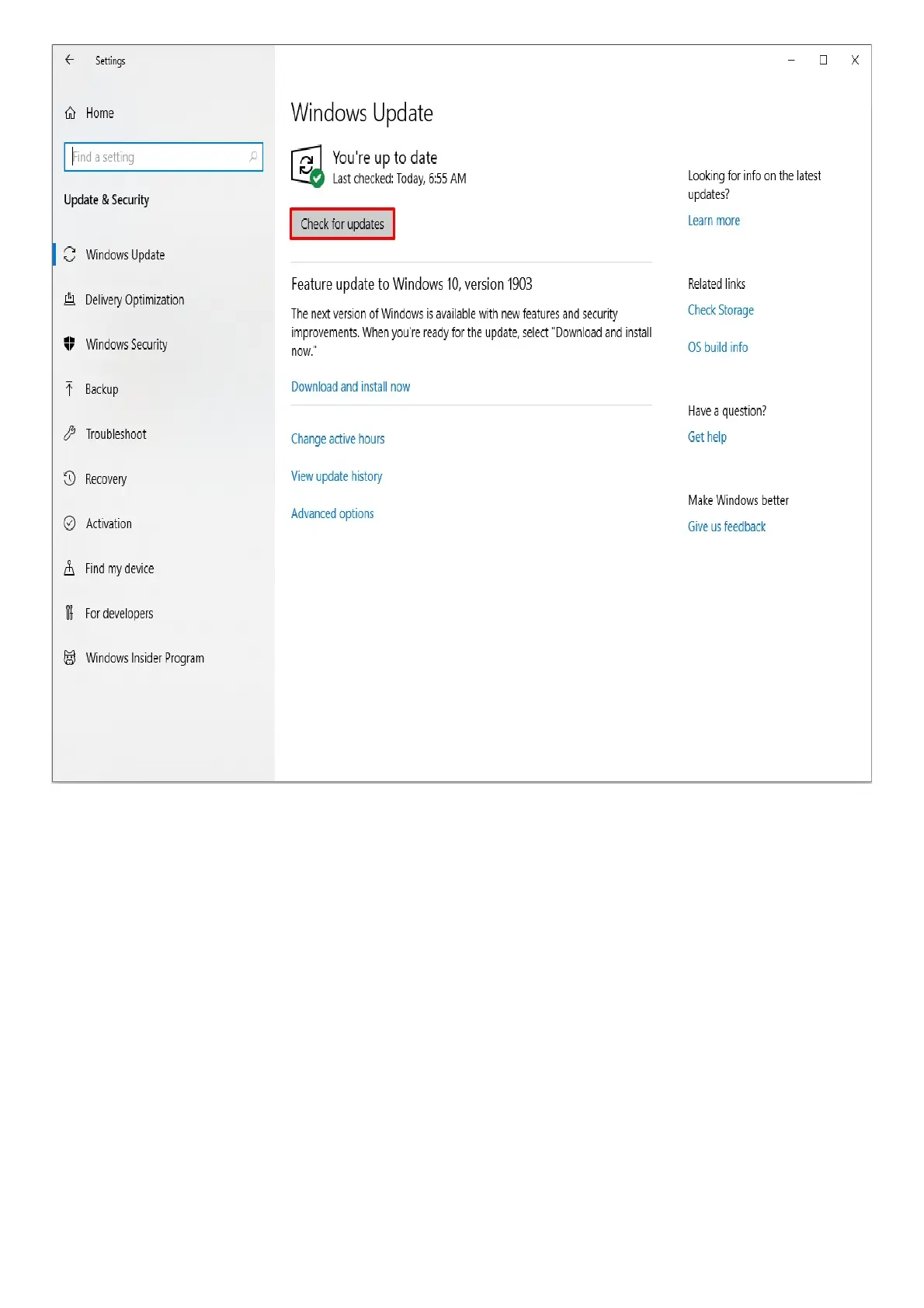
Your system should automatically prompt you of any missing update or if the device is currently up to
date.
Software & Downloads
Where can I find the latest drivers for my Razer Blade 15?
To enhance the user experience, drivers for your Razer laptop are available through Windows Updates.
Simply navigate to Settings > Update & Security > Windows Update and select “Check for updates” to
ensure that you have the latest drivers installed on your Razer Blade laptop.
Hardware
Can I custom overclock my Razer Blade 15?
Razer laptops are carefully crafted, and its components are tuned to give the best performance under
the most demanding gaming conditions. We do not recommend overclocking your CPU, GPU, and/or
RAM as these alter the delicate balance of performance and reliability of the system. There is an
associated risk of damage to crucial components if unauthorized changes are made, which will result
in voiding the manufacturer’s warranty.



 To Next Page