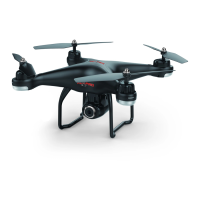
drone
Flight training
1. If the drone does not hover properly and does not fly accurately then gyro calibration might
be needed in order to reset the gyroscope.
2. Place the drone on a flat surface, press and the drone's light will flash several time
quickly and then return to normal operation. Calibration complete.
10).Gyro Calibration
9).Headless Mode
4.Choosing When to Fly
drone
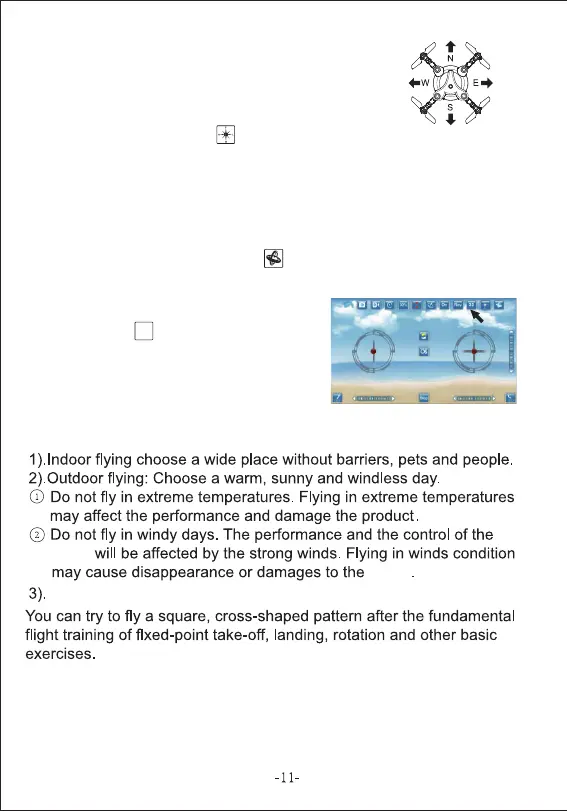
This function means that the drone's direction of flight seen from
your viewpoint follows the phone directly, no matter in which direction
the drone's is pointing. Follow this steps to use this function:
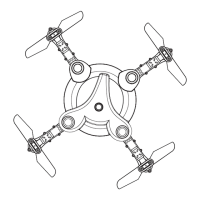
(1) Place the drone exactly in front of you with its nose pointing to
your forward.
(2) Press the "Headless mode" key .
You are now able to fly your drone without considering to which direction the nose is pointing.
To disable the "Headless mode" press on the same button again.
We believe that you should make the most out of your drone.
If you are ever in need of advice, service or parts please visit
our website for a list of our retailers.
WWW.RCPRO.CA
11).3D Goggles
Press the 3D button , and you can see separate
sceen on your phone, then you can put your phone
into a VR goggles for a 3D real-time viewing.
3D


 To Previous Page