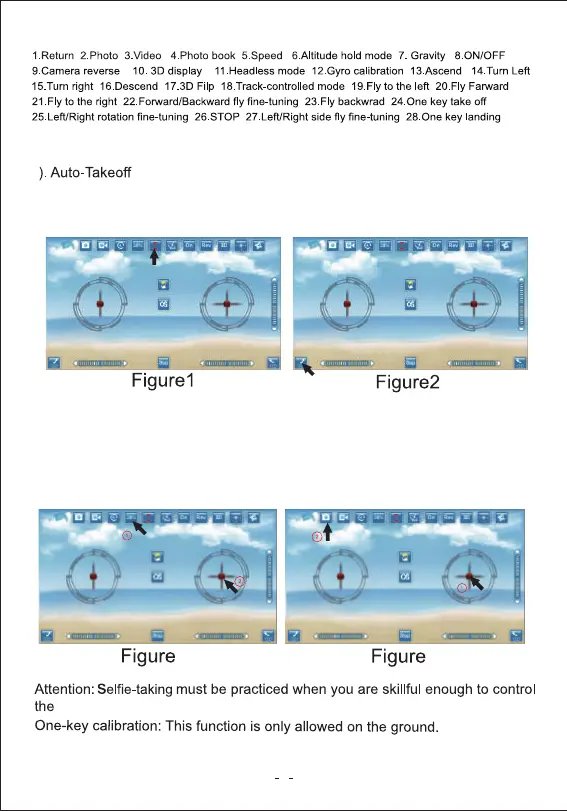
2). Speed control: Click into speed control, put your right hand thumb on the
right lever, will be mobile phone swing to completed (Figure3).
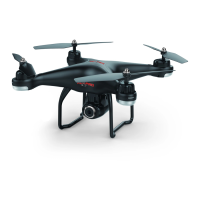
3). Selfie feature: Guide the drone to point right at you and press the camera
button to take selfies(Figure 4)
drone.
3.APP Functions
8
1. Place the drone on a flat surface.
2. Press the “Altitude hold” button” (Figure1).
3. Press the “Auto-Takeoff” button” (Figure2).
3
4
Attention: Please make sure you disconnect the battery from the drone after
every flight in order ro prevent damage to the battery.
1


 To Next Page