19
EN
SYMPTOM CAUSE (AND REMEDY)
• EnsuretheACpowercordisconnected.
• Makesurethattheunitisturnedon.
• Removeanyobstaclesbetweentheremoteandtheunit.
• Usetheremoteneartheunit.
• Pointtheremoteattheremotesensorontheunit.
• Replacethebatteryintheremotewithnewone.
• Makesureplasticsheethasbeenremovedfrombatterysection.
• MakesurethatyouselectPOWERONmode.
• Makesuretheunitisnotpaused.Pressthe PLAY button.
• Make sure the unit is not in fast-forward or fast-reverse mode. Press the PLAY
button.
• MakesuretheAUDIO/VIDEOinput/outputconnectionsarecorrect.
• Theunithasoverheated.Shutitofffor30minutestoallowittocooldown.
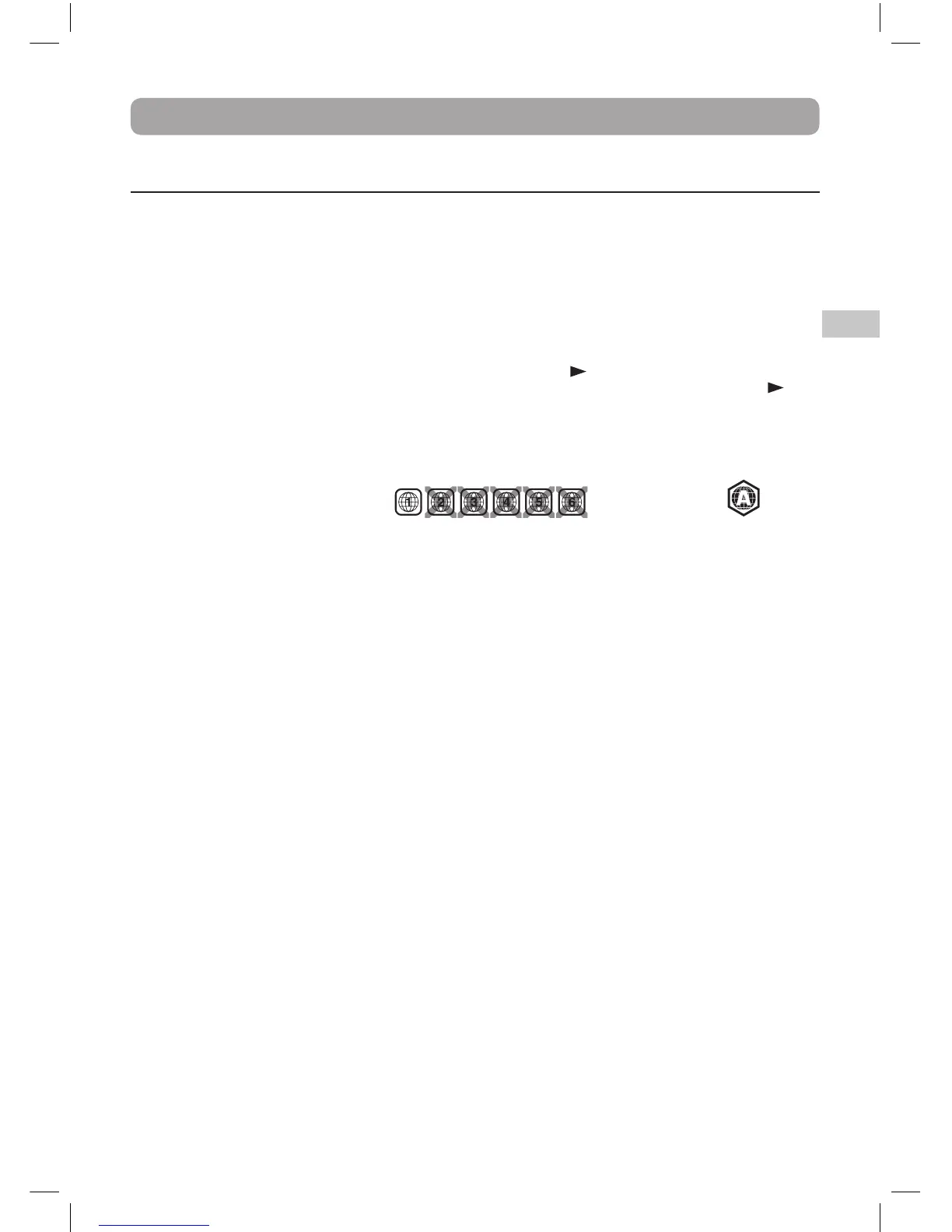
• Theregionnumberofthediscdoesn'tmatchtheregionnumberofthisunit.
For DVD disc For Blu-ray disc
• Thediscisdirty.Gentlycleanthedisc.
• Thediscisscratched.
• The plugs and jacks are dirty. Wipe them with a cloth slightly moistened with
alcohol.
• Cleanthedisc.
• Makesurethatthedischasthecorrectregioncode.
• Thereisnodiscinsidetheunit("NoDisc"appearsonthescreen).
• Insertthedisccorrectlywiththegraphicsfacingup.
• Cleanthedisc.
• Anon-NTSCdischasbeeninserted,orthediscregionnumberdoesnotmatchthe
region number of the unit.
• Condensationmayhaveformedinsidetheunitduetoasuddenchangeintemperature.
Wait about an hour for it to clear and try again.
• MakesurethatdiscsupportsPiPmode.
No power.
The remote control
does not function.
Very little or no sound
is coming from a DVD.
No picture.
The picture is not
clear.
Loud hum or noise is
heard.
Blu-ray Disc or DVD
does not play.
Picture-in-Picture (PiP)
does not work on a
Blu-ray Disc.
Specifications and external appearance are subject to change without notice.
Troubleshooting Guide



 To Next Page