OSD Menu
12
Description
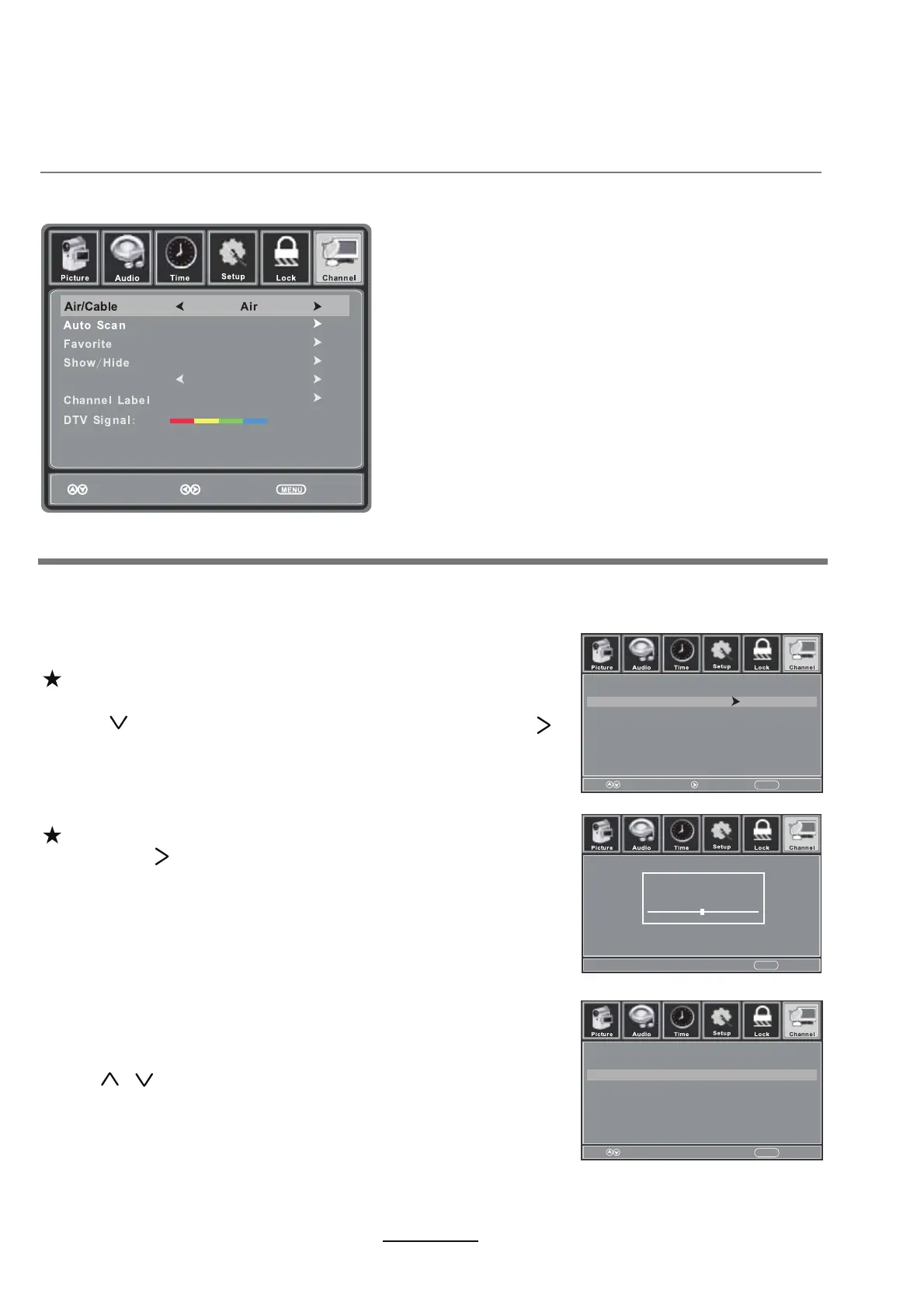
6. Channel menu
Air/Cable: Allows you to select antenna between Air and Cable.
If you select “Cable”, the following items (Favorite, Show/Hide, Channel NO, Channel Label and
DTV Signal) are unable to be used.
Auto Scan: Enter the Auto Scan menu to start auto scan.
If you select “Cable” as input signal it allows you to select
Cable System among: Auto, STD, IRC and HRC.
Use button to highlight the “Start to Scan”, then press
button to search the channels automatically.
The receivable channels will be stored automatically.
When searching channels, press MENU to stop.
If you select “Air” as the input signal and you
can press button to search the channels automatically.
The receivable channels will be stored automatically.
When searching channels, press MENU to stop.
NOTE: It will take a while to auto scan in NTSC or ATSC
mode, please wait patiently.
Use / button to highlight the desired item, then press
OK button to add or remove the highlighted channel as
favorite.
Favorite: Allows you to add the desired channels as
favorites.
Move Press ‘OK’ to change ReturnMENU
Channel
4-0
6-1
Channel Name
SBS
Favorite
Move Next ReturnMENU
Cable System
Start to Scan
Auto
RF CH
Found
:
:
7
2
ReturnMENU
Channel Number
Good
SBS
6-1
Move Select Return



 To Next Page