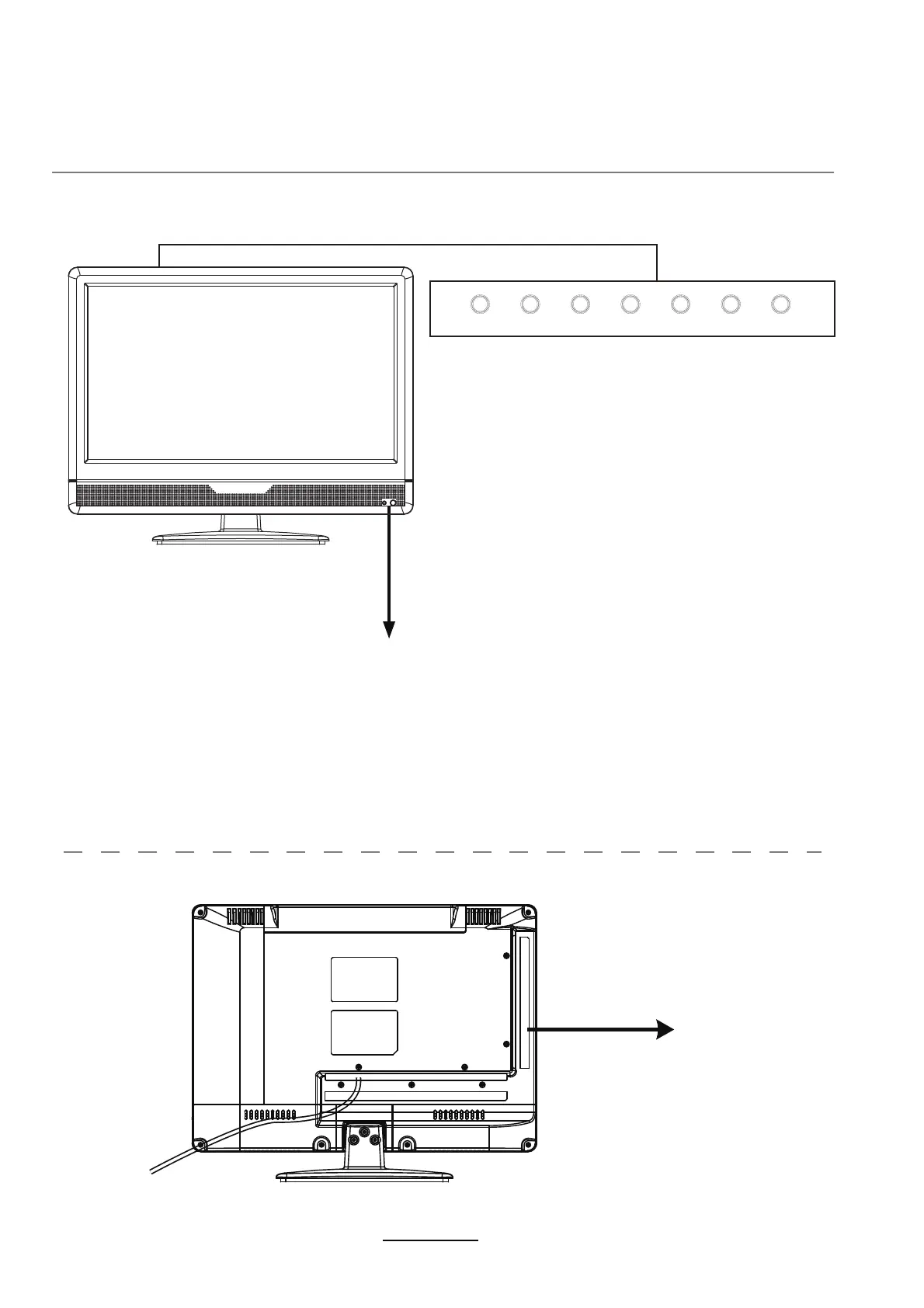
Product Introduction
Front View
Rear View
MENU: Display/exit the OSD menu.
CH+/-: Scan through channels; At Setup Wizard, press
CH-to move DOWN, press CH+ to move UP;
VOL+/-:
Adjust volume; At Setup Wizard, press VOL-
to move LEFT, press VOL+ to move RIGHT.
SOURCE: Display the input source menu; At Setup
Wizard, press SOURCE(OK) to confirm
selection/setting.
POWER:Turn on/standby the TV set.
Remote control window (keep clear) & LED indicator
(IR) Infrared Receiver: Receives IR signals from the remote control.
(Power on/Standby) LED indicator: Press POWER to turn on and off.
The effective receiving range for the signal is 16-26 feet from the front of the remote
control window, and 30
0
to the left or right side and 20
0
above or below the control
window.
Indicator on(Red) Standby mode
Indicator on(Blue) Power on mode
See next page
Connections
When you hold up MENU button, you can enter EPG menu,
press VOL- to move DOWN or to next page, press VOL+ to
move UP or to previous page, press SOURCE(OK) to confirm
selection/setting.
AC POWER IN
SOURCE MENU CH-VOL-POWER CH+VOL+
3



 To Next Page