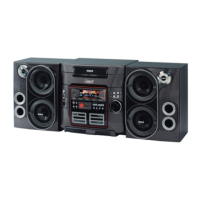
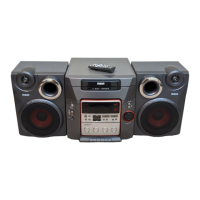
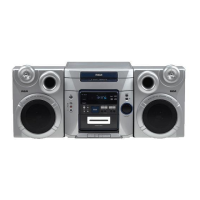
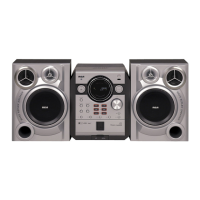
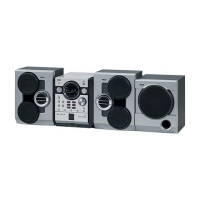
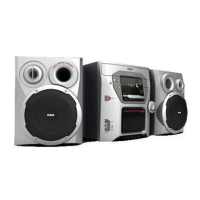
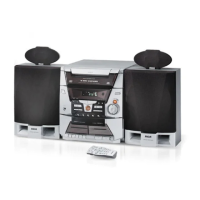
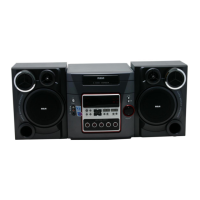
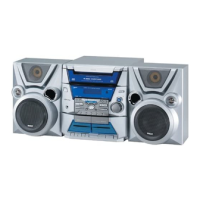
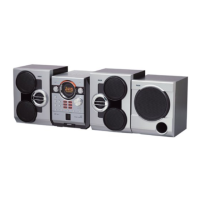
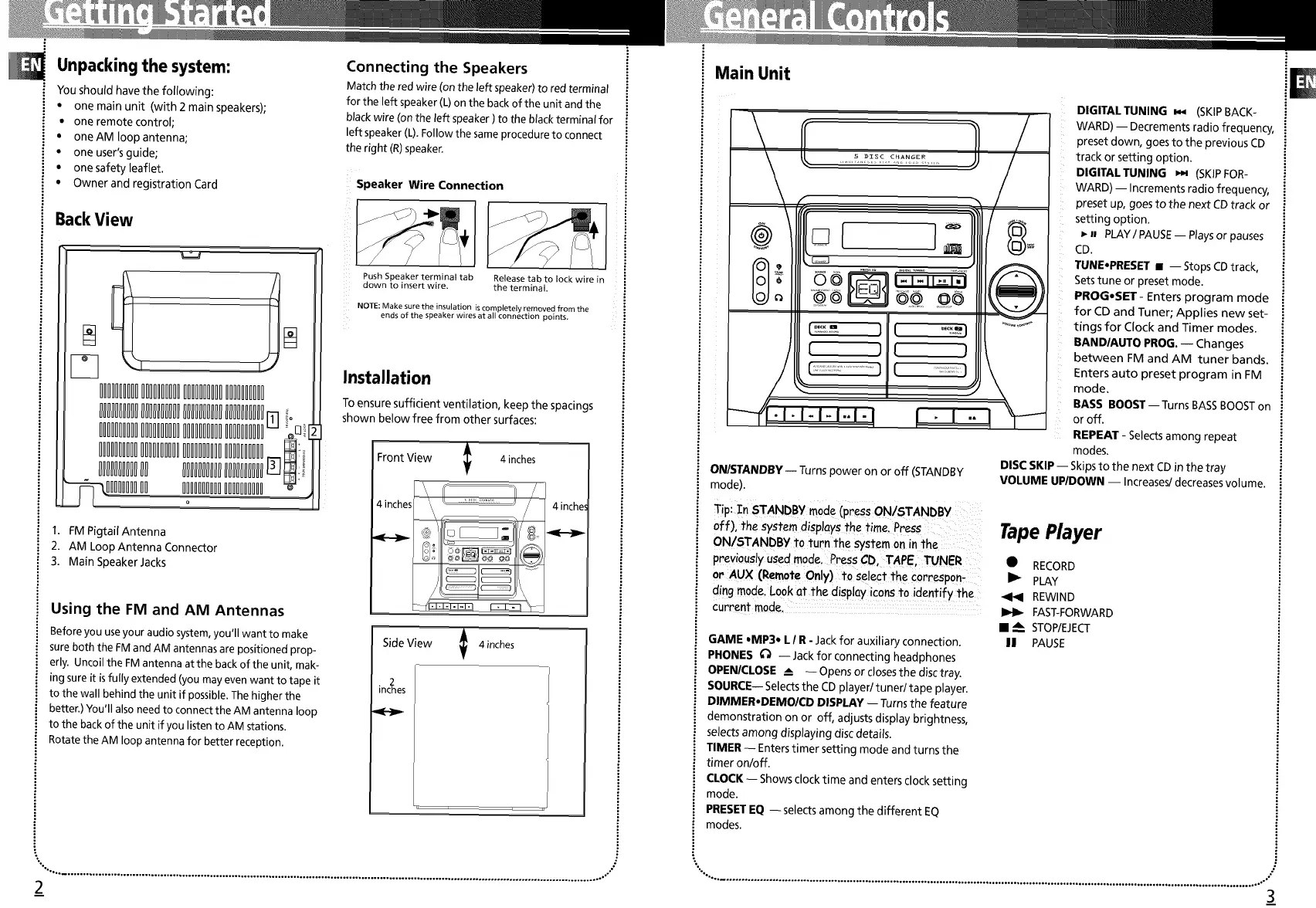
Unpacking the system:
You should have the following:
, one main unit (with 2 main speakers);
• one remote control;
• oneAM Ioopantenna;
• one user'sguide;
• one safety leaflet•
• Owner and registration Card
BackView
£££1H£££££££££££££££
llllllllllllllllllllllllllllllllllllllllFq
£££1H££££££££1££££££
_--_IIIIIIIIII I!IIIIIIIIIIIIIIIIII _
1 FM PigtailAntenna
2 AM Loop Antenna Connector
3 Main Speaker Jacks
Using the FM and AM Antennas
Before you useyour audio system,you'll want to make
sureboth the FM and AM antennasare positioned prop
erly Uncoilthe FMantenna at the back of the unit, mak
ing sureit isfully extended (you mayevenwant to tape it
to the wall behind the unit if possible The higher the
better,) You'll alsoneed to connect the AM antenna loop
to the back of the unit if you listen to AM stations
Rotate the AM loop antenna for better reception
Connecting the Speakers
Match the redwire (onthe left speaker)to red terminal
for the left speaker(L)on the back of the unit and the
blackwire (on the left speaker ) to the blackterminat for
left speaker(L) Fo/ow the sameprocedureto connect
the right (R)speaker
Speaker Wire Connection
Push Speaker terminal tab Release tab to lock wire in
down to insert wire the terminal.
NOTE: Make sure the insulation is completely removed from the
ends of the speaker wires at all connection points
Installation
To ensure sufficient ventilation, keep the spacings
shown below free from other surfaces:
Front View _ 4inches
T
T
SideView _ 4 inches
inc_qes
",°, ................................................................................................................................................................................ °,"
2
I' I 'iiI
Main Unit
' i '
ON/STANDBY -- Turns power on or off (STANDBY
mode).
Tip: STANDBY mode (press ONiSTANDBY
off), the system displays the time.Press: TapePlayer
ON!STANDBY I;oturn the system on in the
previously Usedmode,Press CD,TAPE, TUNER • RECORD
or AUX (Remote Only)to Select the corresp0n- I_ PLAY
ding m0de, L°°k at the disp!ay ic0_ t0 identify the _ REWIND
currentmode,: _ _ FAST-FORWARD
• A STOP/EJECT
GAME °MP3* LI R- Jackfor auxiliary connection. II PAUSE
PHONES ¢_ -- Jack for connecting headphones
OPENICLOSE __ -- Opens or closesthe disc tray.
SOURCE-- Selectsthe CD played tuned tape player.
DIMMER,DEMO/CD DISPLAY-- Turns the feature
demonstration on or off, adjusts display brightness,
selectsamong displaying disc details.
TIMER -- Enterstimer setting mode and turns the
timer onloff.
CLOCK-- Shows clock time and enters clock setting
mode.
PRESETEQ --selects among the different EQ
modes.
DIGITAL TUNING _ (SKIPBACK-
WARD) -- Decrements radio frequency,
preset down, goes to the previous CD
track or setting option.
DIGITAL TUNING _ (SKIPFOR-
WARD) -- Increments radio frequency,
preset up, goesto the next CDtrack or
setting option.
CDn PLAY/ PAUSE-- Playsor pauses
TUNE',PRESET • -- Stops CDtrack,
Setstune or preset mode.
PROG.SET - Enters program mode
for CD and Tuner; Applies new set-
tings for Clock and Timer modes,
BANDIAUTO PROG. -- Changes
between FM and AM tuner bands
Enters auto preset program in FM
mode
BASS BOOST--Turns BASSBOOSTon
or off
REPEAT Selectsamong repeat
modes
DISC SKIP -- Skipsto the next CDin the tray
VOLUME UP/DOWN -- Increases/decreasesvolume•
",°.,_°, ................... °.......... o................... °.............................. °......... °.............................. °................... °....... °.................... °-'°
3


 To Next Page
 Loading...