Case Lights
Timers either locally in the tray or remotely at the front end normally control the case lights automatically. If
there are no timers set up from the front end or if there is no network connection, the lights default to on.
On Line Status
The case status indicator is used to display the network status: -
Alternate Red/Green: - logging on
Alternate Red/Green/Amber: - has address but not on-line
Fixed temperature band colour (Red, Green or Yelllow): - online
Connections
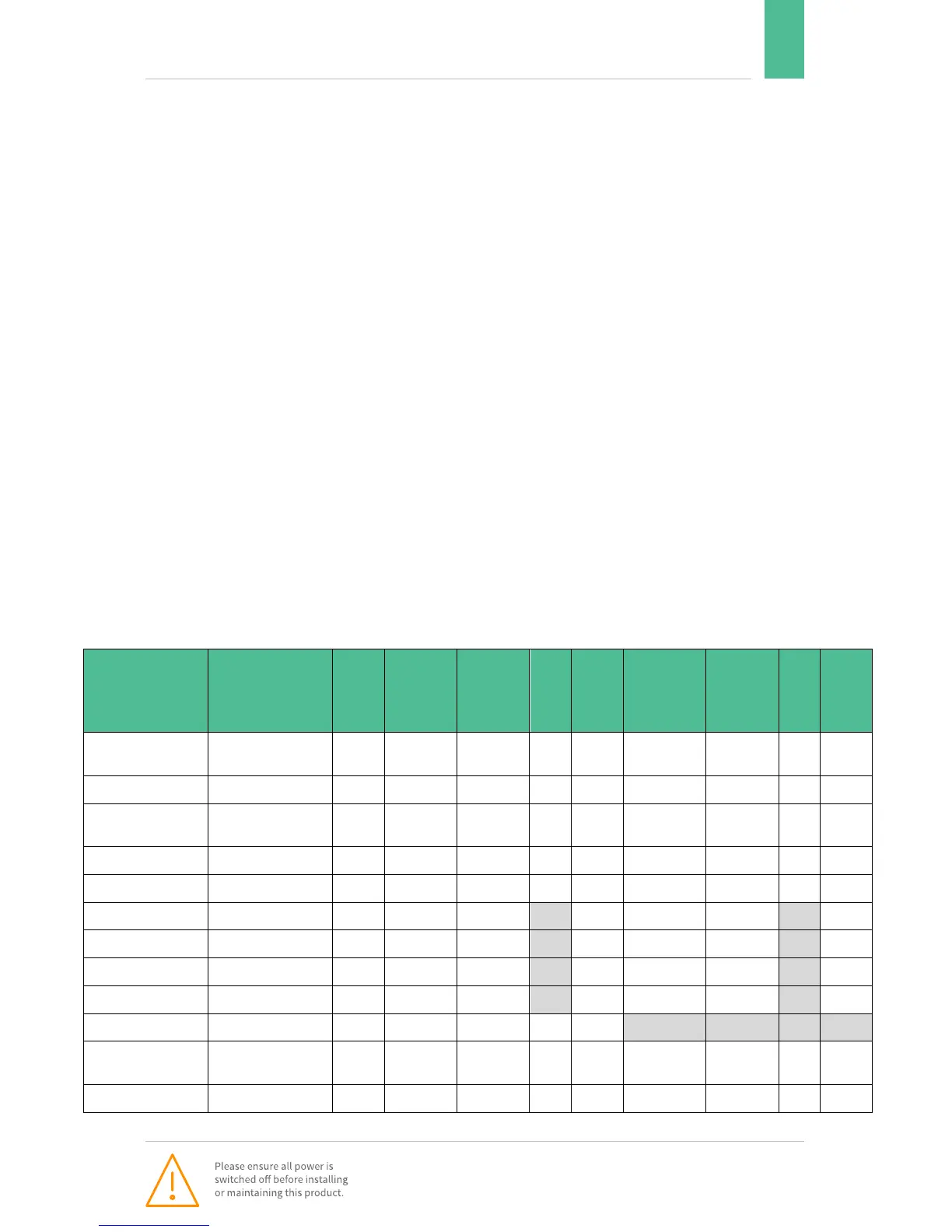
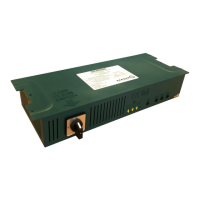
There is No status indicator on this version of the Brooklands Tray. The RS232 serial port of the
communications module plugs into the rear of the tray (RJ45 connector). All case wiring connects to the two
flying leads at the back of the tray. (19 way and 3 way)
The power lead plugs into the rear of the case and is the ONLY method of isolation. The power lead must be
removed before the lid is removed.
Case Clean Switch
THIS IS NOT AN ISOLATOR. The case clean switch will turn power off to all outgoing circuits and send
signals to the front-end indicating the case has been manually switched to case clean mode. The controller will
remain powered and will continue to communicate with the front end panel which will only generate an offline
alarm if there is a genuine power failure or communications failure.
Default Parameter settings


 To Next Page