REACH MRS100
User Manual
Copyright© Shenzhen Reach IT Co., Ltd. 16 / 43
Click “Restart” Æ “Restart Encoder”
3.5 Initial configuration of DSS-ENC 1200
The default IP address of ENC 1200 from factory is random and you
can see the IP address on the LCD of font panel (assume IP is
192.168.4.57 sub mask 255.255.255.0 and gateway 192.168.4.1. Set
your PC’s IP address to 192.168.4.110, sub mask 255.255.255.0). You
can go to the webpage of the encoder to set the IP address you need. For
explanation convenient, assume the IP you want to set as 192.168.1.103,
sub mask 255.255.255.0 and gateway 192.168.1.1.
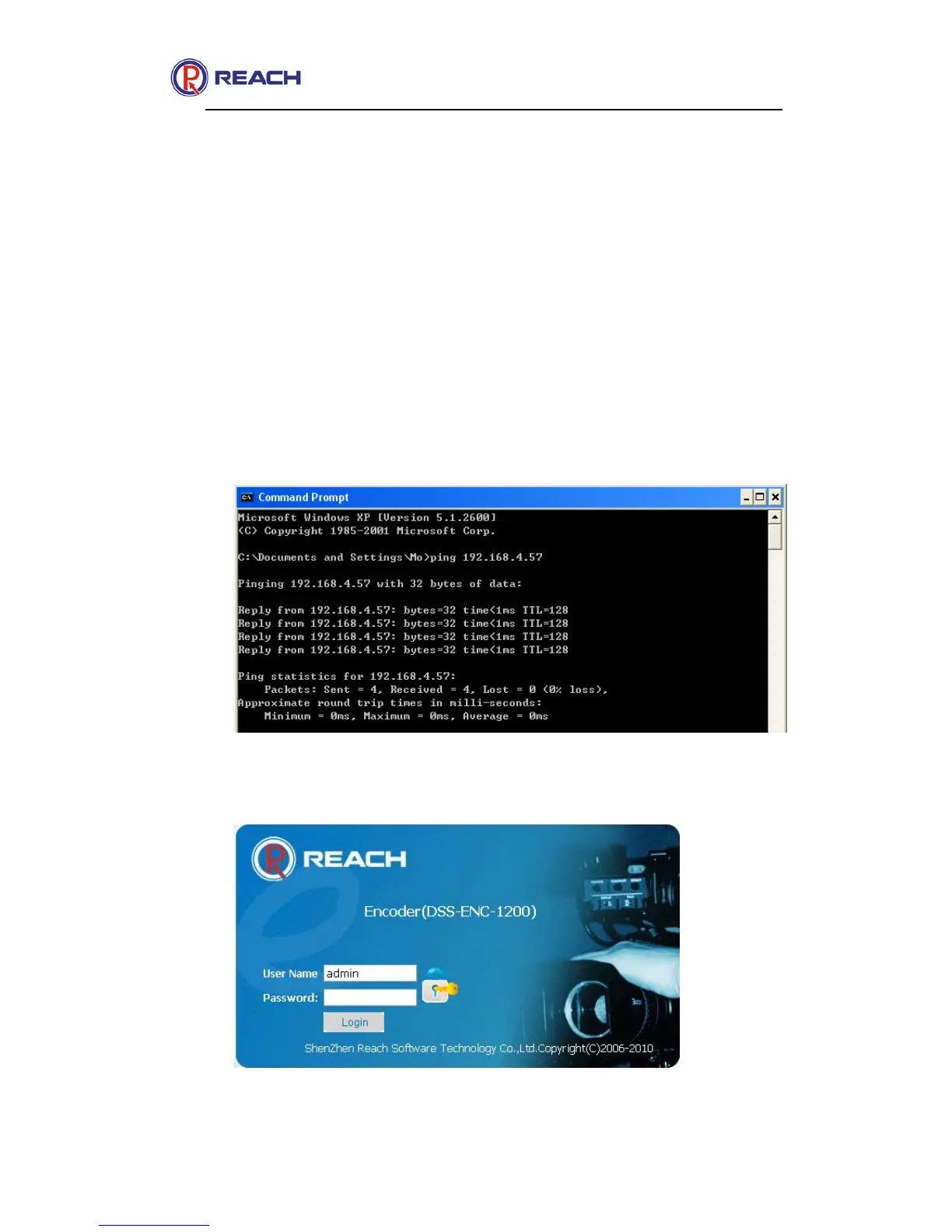
Check connection. Go to your PC Start ->Run->cmd, input Ping
192.168.4.57. If you get the replays, means the connection is ok. If not,
please check the cable connection and PC’s IP.
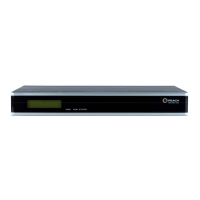
Run IE, type in 192.168.4.57 and press “Enter”, then you can see the
log in interface;
Input User: admin and Password: admin, click “Login”.


 To Next Page