REACH MRS100
User Manual
Copyright© Shenzhen Reach IT Co., Ltd. 9 / 43
2 Hardware Installation
2.1 Panel and Port
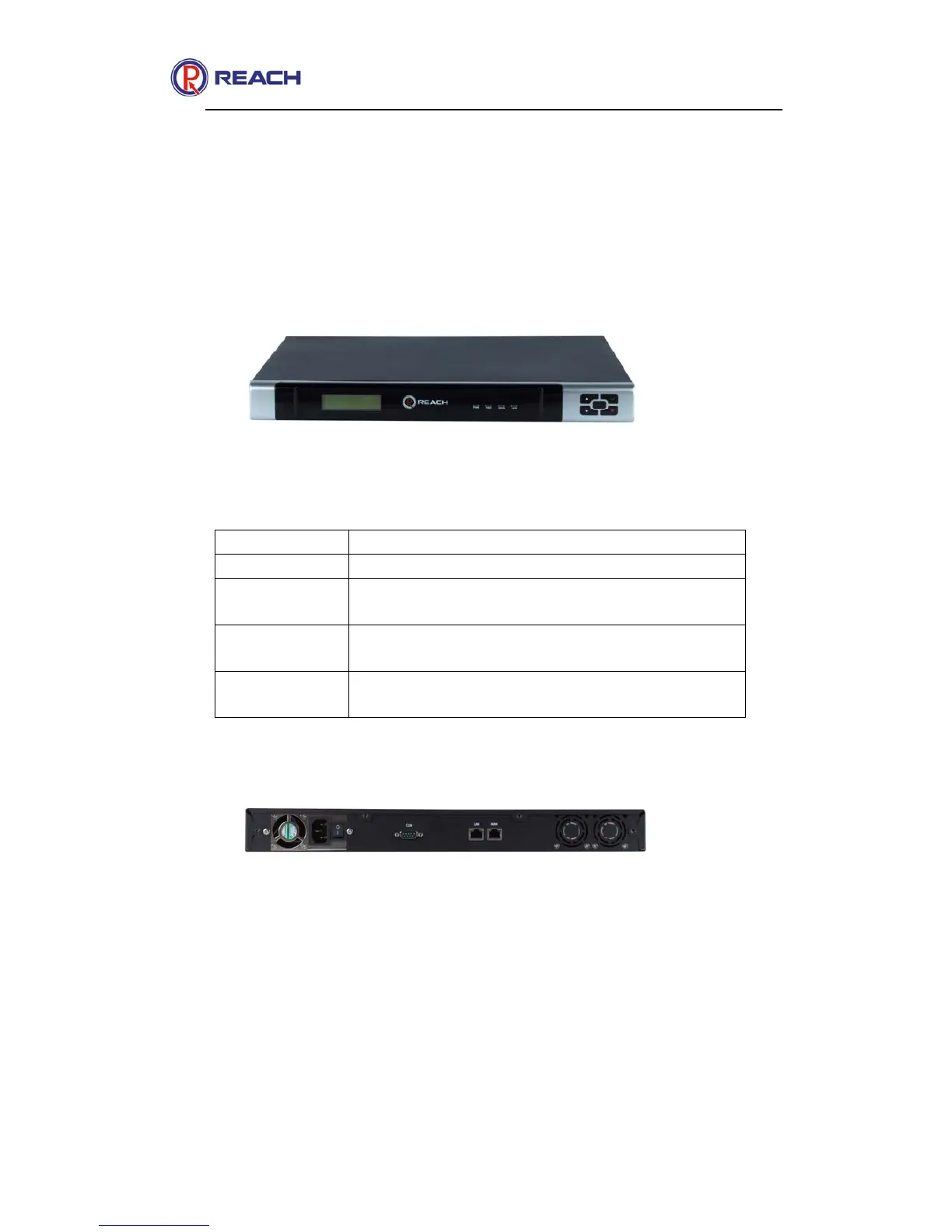
Front Panel of Server
2.1.1 LED indicator of Server
Name Description
Power Power indicator
HDD Hardware indicator, the light is on as the
system is working
LAN LAN connection indicator, LAN LED blink
if the data is transmitted
WAN WAND indicator, WAN LED blink if the
data is transmitted
2.1.2 Rear Panel
There are 3 interfaces at the rear panel: power plug, LAN interface and
WAN interface. Insert the power cable into the Power connector on the
rear panel of the server unit and insert the Power cable into the power
source socket. Connect LAN cable to LAN port on the rear panel of the
server unit.


 To Next Page